Description
Setup Guide & Full Tour (5 min, start here if you are new to Notion)
Quick demo
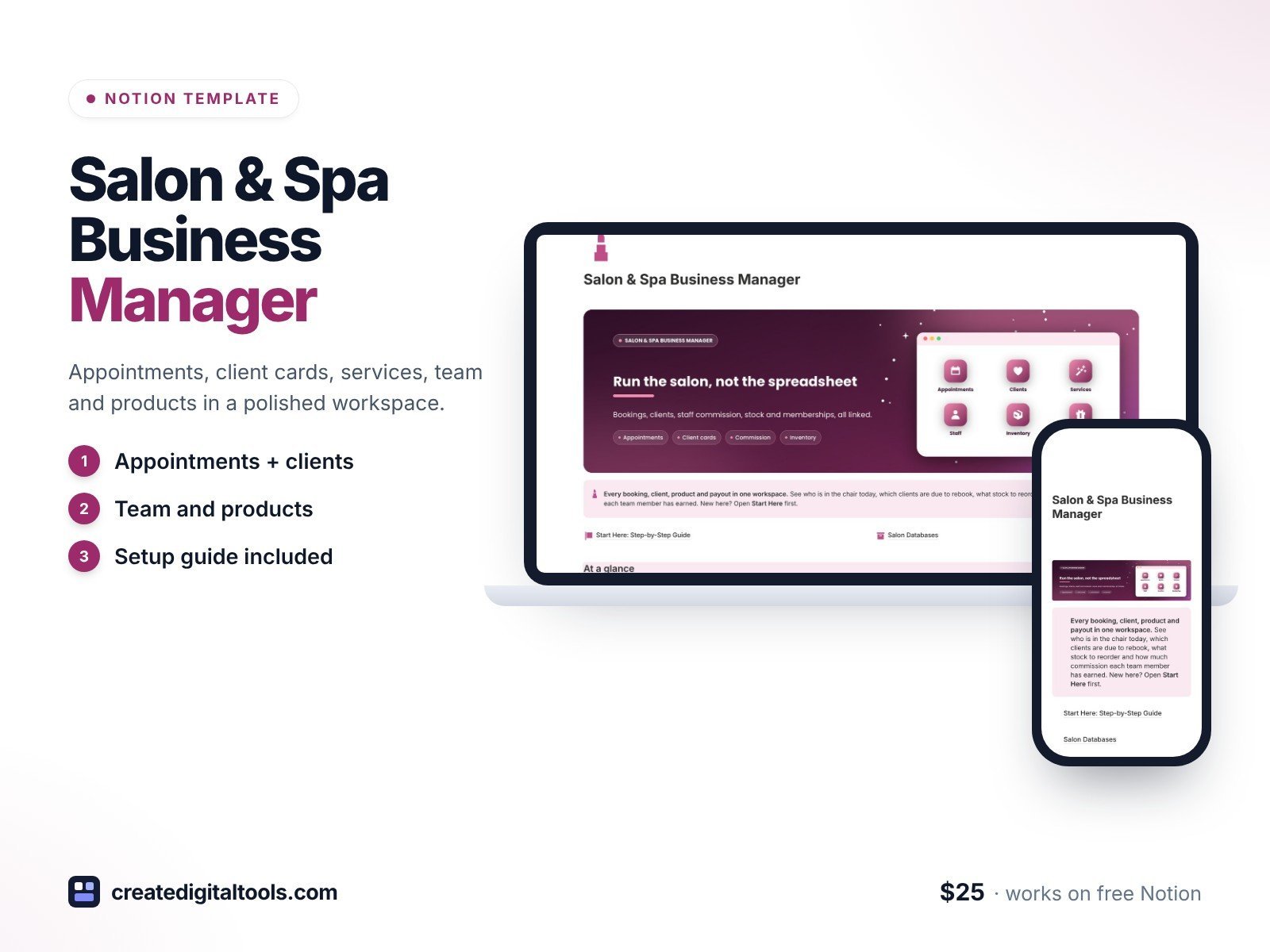
Run your salon or spa from a polished Notion workspace. Salon & Spa Business Manager links every appointment, client card, service, team member, product and membership, so you see who is in the chair today, who is due to rebook, what to reorder and how much commission each person has earned.
What’s inside
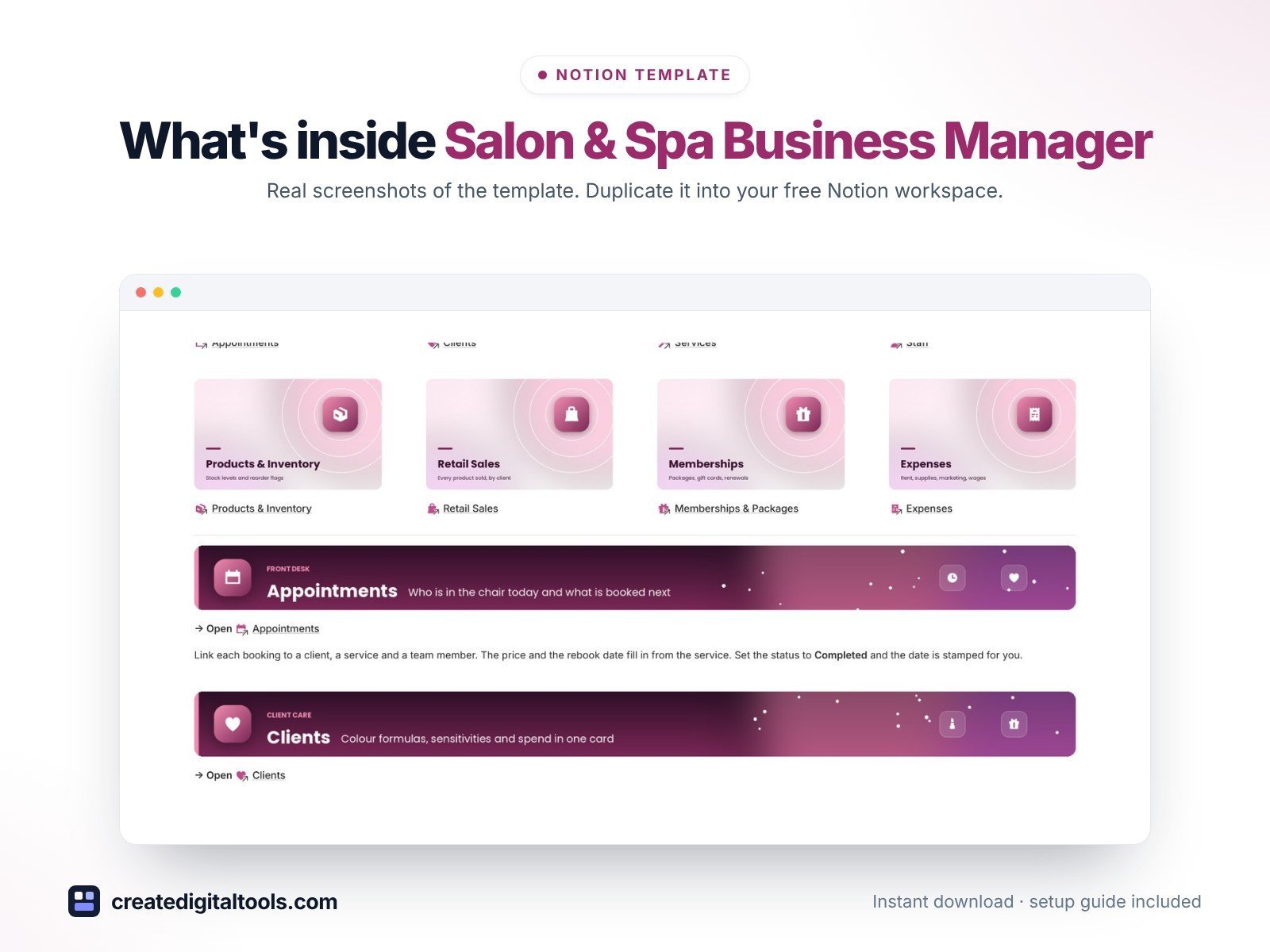
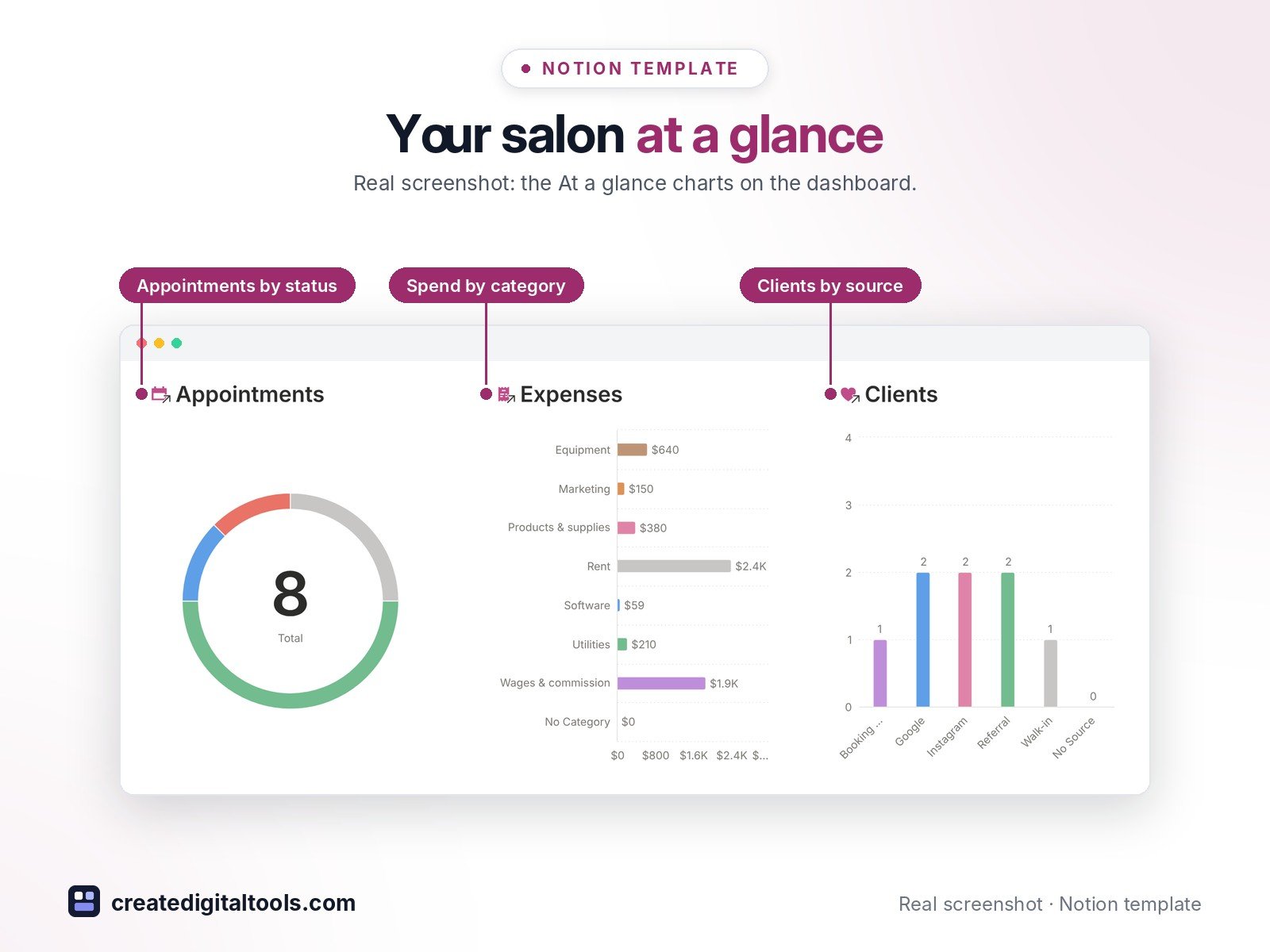
- Dashboard with hero banner, image navigation cards and three charts (appointments by status, spend by category, clients by source)
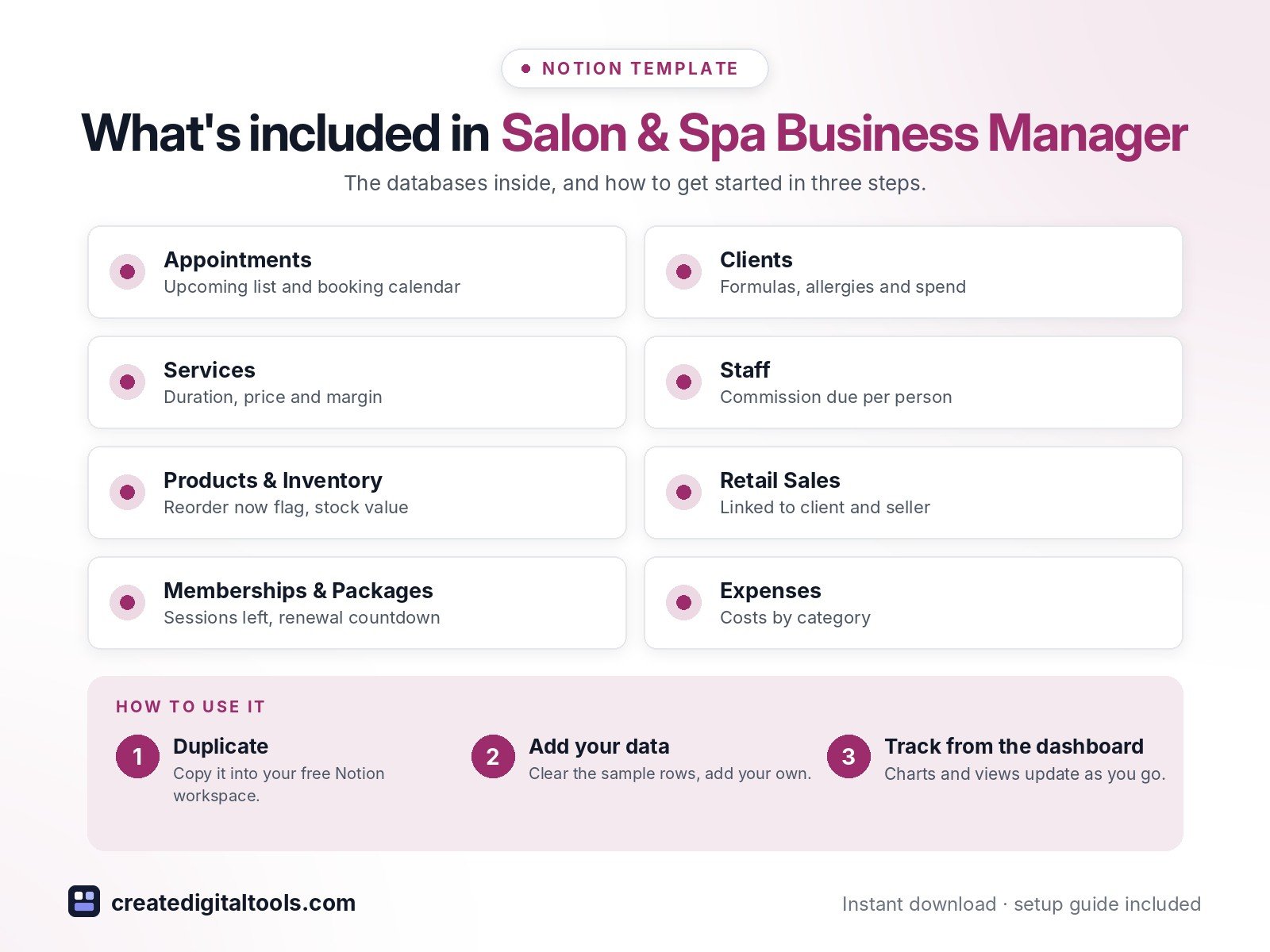
- Appointments: upcoming list and booking calendar; price and rebook date fill in from the service
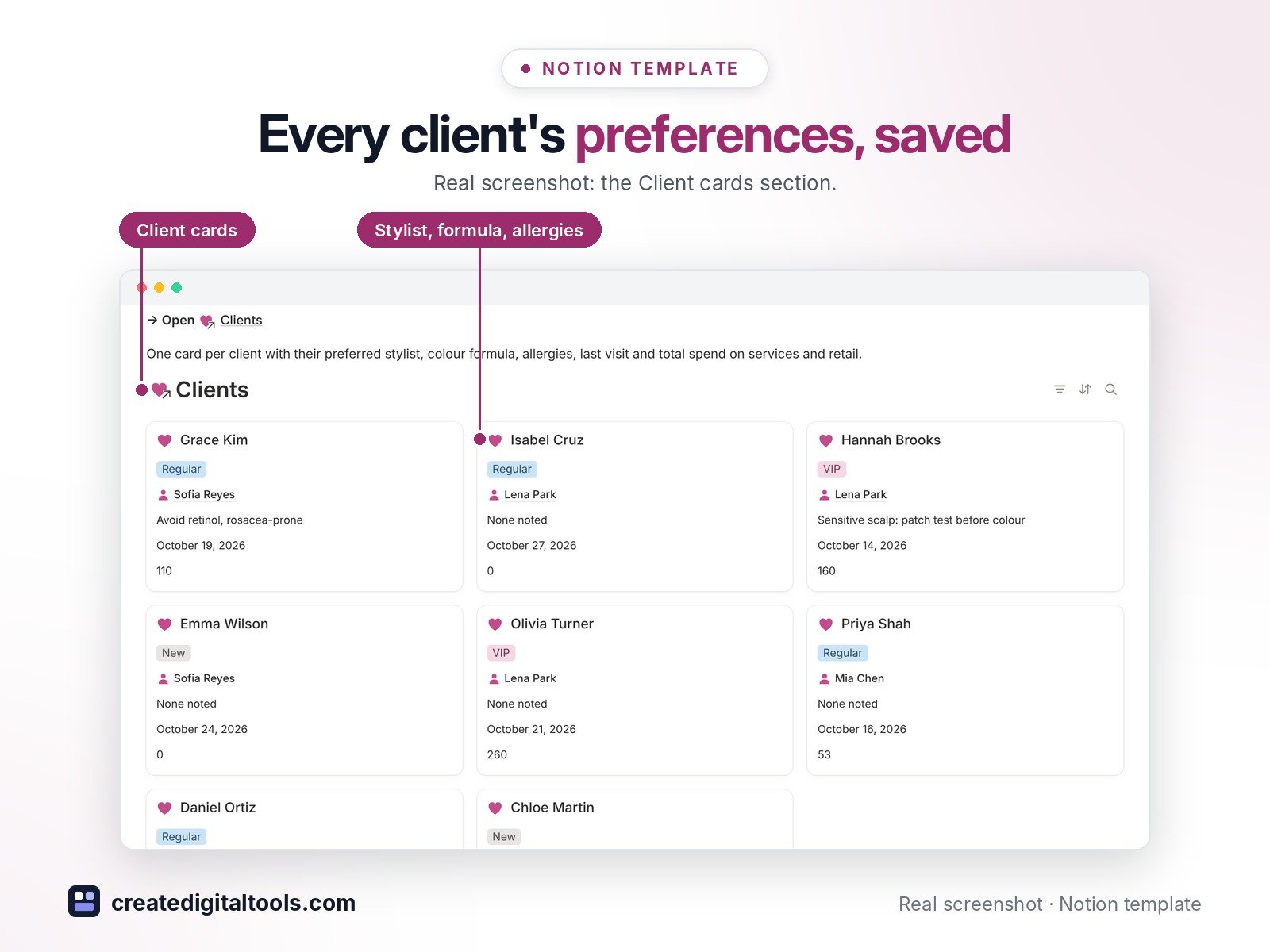
- Client cards: preferred stylist, colour formula, allergies and sensitivities, last visit, service and retail spend
- Service menu with duration, price, product cost and margin
- Team & commission: completed appointments, service revenue and commission due per person
- Products & Inventory with a Reorder now flag and stock value, plus Retail Sales linked to client, product and seller
- Memberships, prepaid packages and gift cards with sessions left and renewal countdown, plus Expenses by category
- 3 built-in automations: Completed, Restocked and Renewed update their dates
- 8 linked databases with relations, rollups, formulas, sample data and a ready-made page template in each, plus a Start Here guide
Database automations run on Notion’s paid plans (Plus and up). On the Free plan they pause, and you can make the same changes by hand.
Who it’s for
- Hair salons, spas and beauty studios
- Nail techs, lash artists and estheticians
- Salon owners who pay staff on commission
What you get
- Template link (PDF) to duplicate into your Notion workspace
- Start Here: Step-by-Step Guide inside the template
- Video walkthrough (being added to the Start Here page)
How delivery works
You get a PDF with the Duplicate link. Click Duplicate to copy it into your free Notion workspace.
- Buy and download the PDF with your template link.
- Open the link and click Duplicate (log in to Notion first; the free plan works).
- Open the Start Here page and follow the setup steps.
Good to know
- Digital product: nothing physical is shipped.
- You need a Notion account (the free plan works).
- Sample data is fictional.
- Notion is a trademark of Notion Labs, Inc.; this is an independent template.
New to Notion? Create a free account (affiliate link: I may earn a commission at no extra cost to you).
Want your own store like this one? createdigitaltools.com runs on Hostinger WordPress hosting. Start your own shop with Hostinger, or try the no-code Hostinger Website Builder.
Affiliate links: I may earn a commission at no extra cost to you.