Description
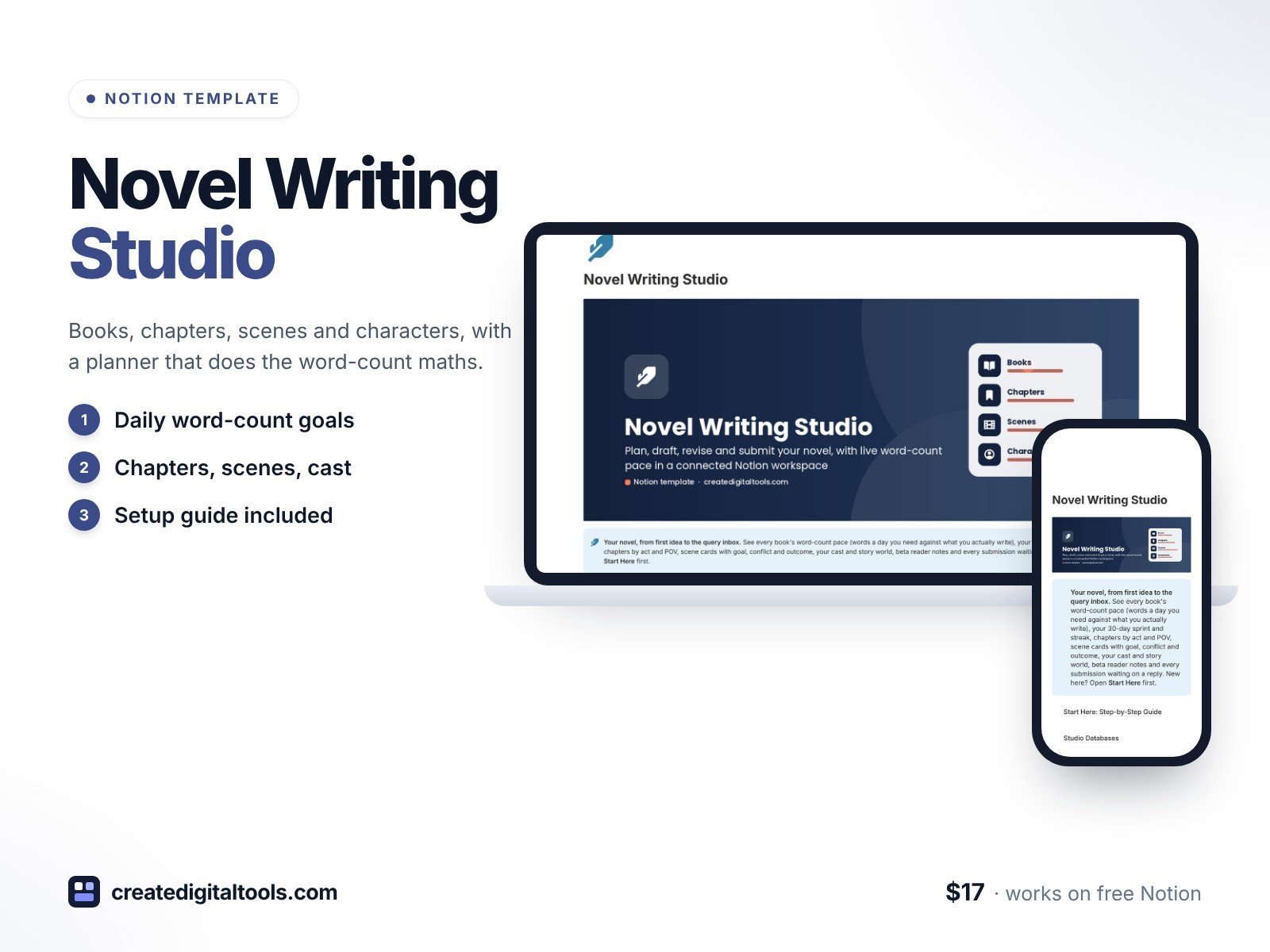
Write your novel with a planner that does the maths for you.
Novel Writing Studio is a connected Notion workspace for fiction writers and indie authors. Set a word goal and a deadline, log each writing session, and every book tells you the words a day you now need, your real 7-day average and whether you are On pace or Behind. Plan chapters and scene cards, keep your cast and story world in a wiki, handle beta reader notes and track every query and contest in the same place. Ready for November novel-writing month: set a 50,000-word monthly goal and watch the sprint bar fill.
What’s inside
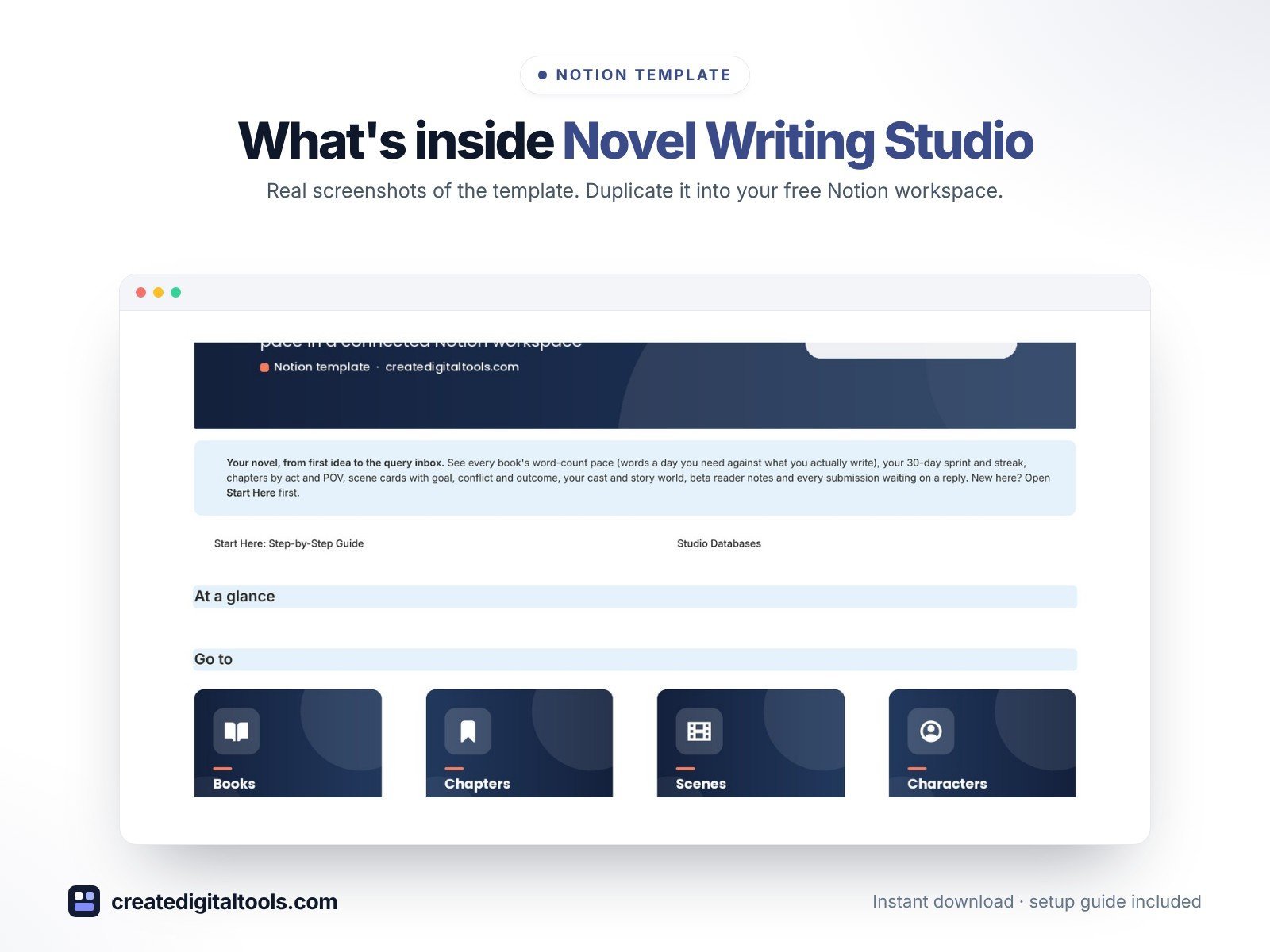
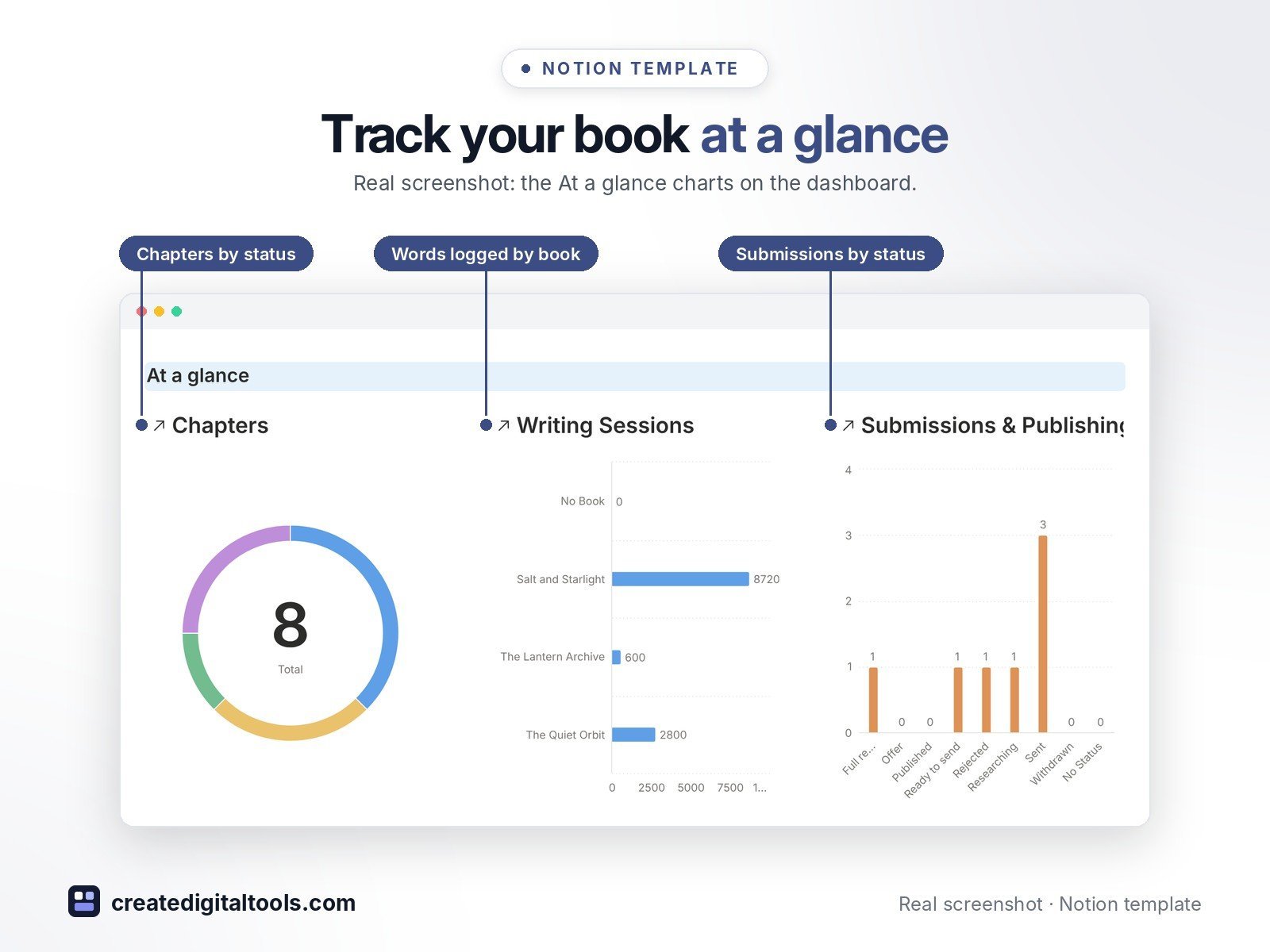
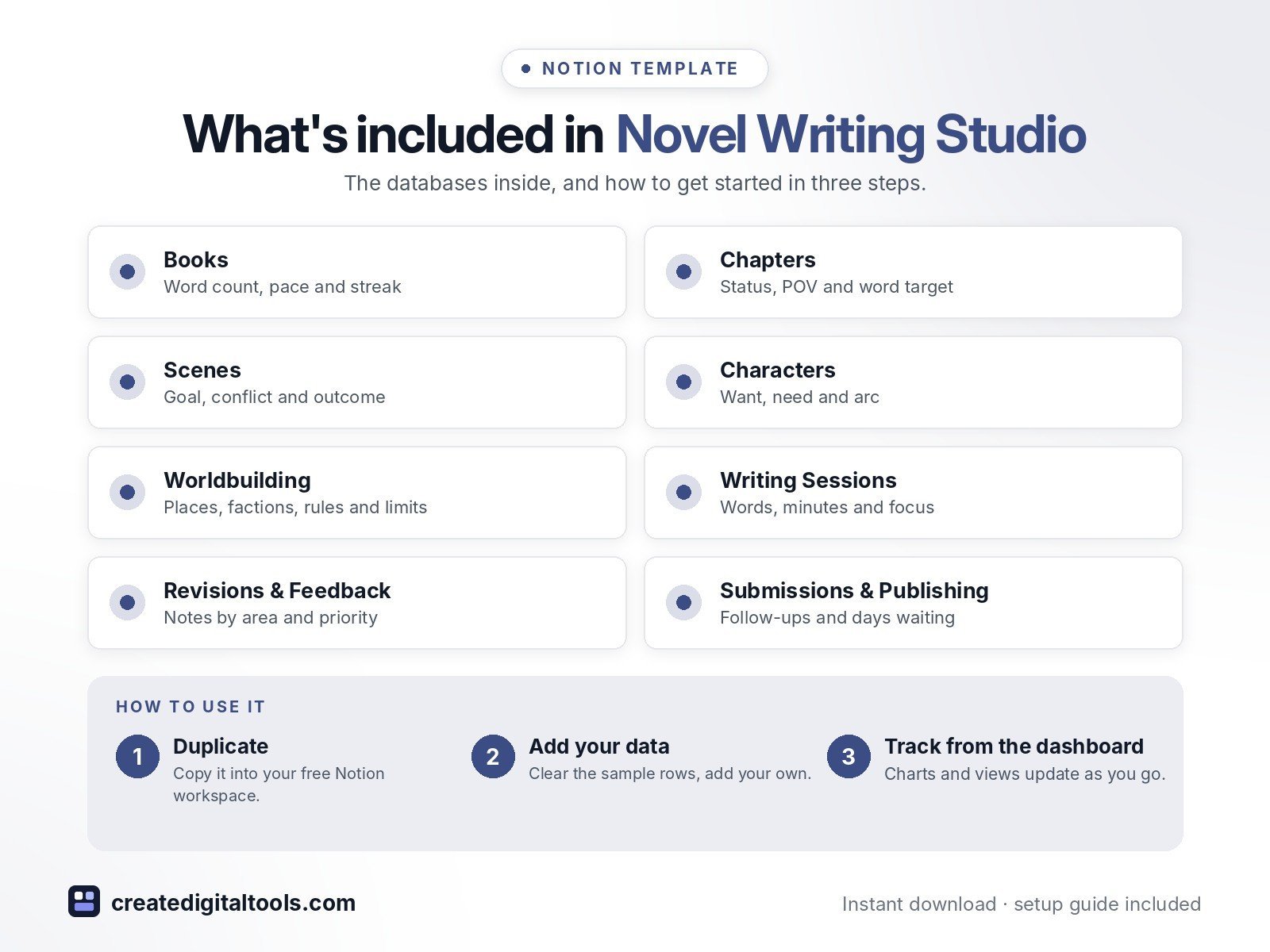
- Dashboard: At a glance charts (chapters by status, words logged by book, submissions by status), Go to cards for every database and five working sections
- Books: series, genre, target words, deadline, words written, progress bar, days left, words/day needed, 7-day average, pace verdict, writing streak and monthly sprint progress
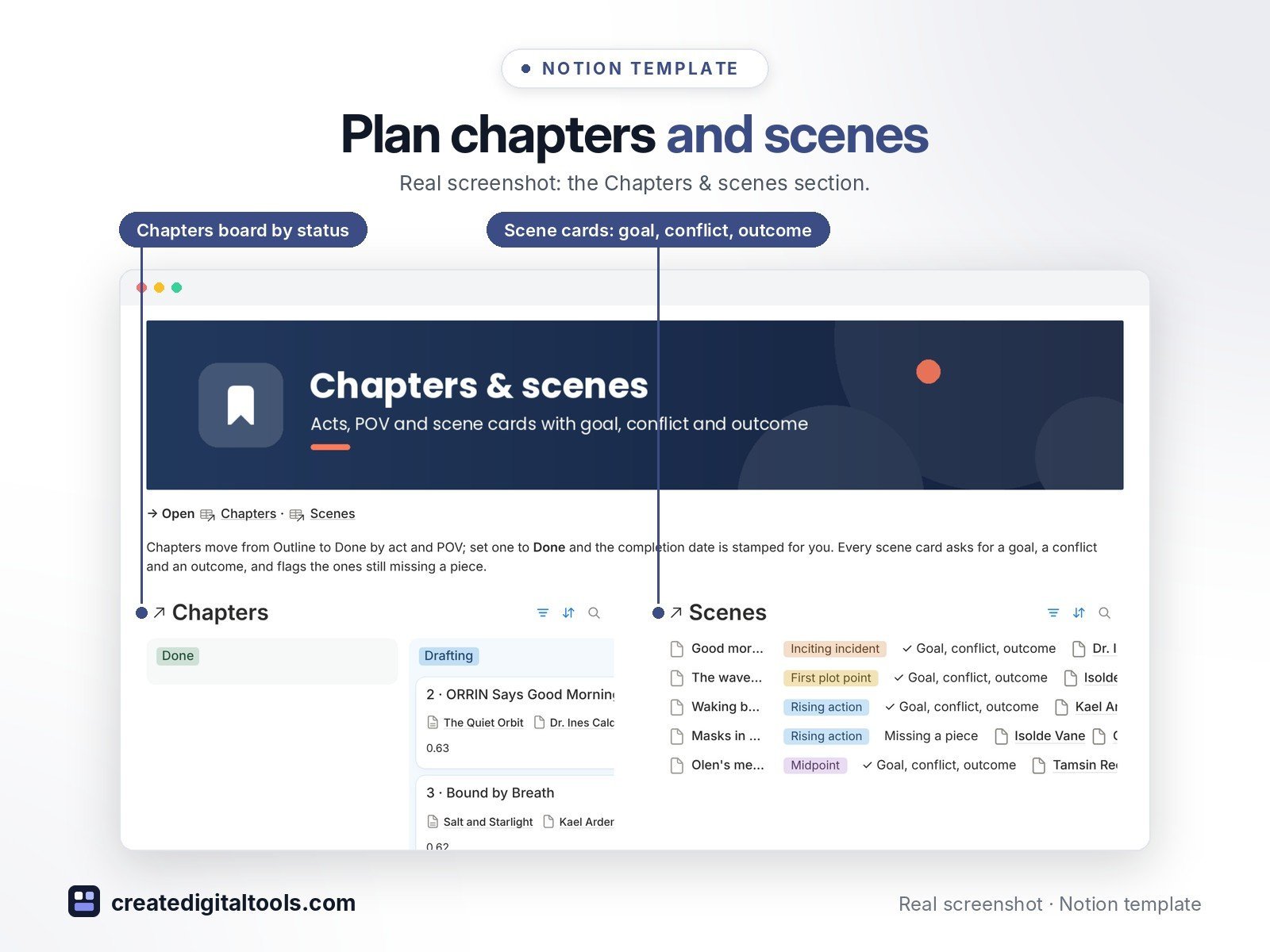
- Chapters: book, act, POV character, status, word count against target, scene count and open notes
- Scenes: goal, conflict and outcome on every card, story beat, tension, characters and location, with a G·C·O check that flags missing pieces
- Characters: role, want, need, arc, arc stage, traits, voice notes, and scene and POV chapter counts
- Worldbuilding: places, cultures, factions, lore, magic systems and technology, with a Rules & limits field
- Writing Sessions: date, words, minutes, words per hour and focus, feeding word counts, pace, streak and the 30-day sprint view
- Revisions & Feedback: beta reader, critique partner, editor and self-edit notes by area, priority and chapter
- Submissions & Publishing: agents, publishers, contests, magazines and self-publishing steps, with follow-up dates, days waiting and an overdue nudge
- 30+ ready views: boards, galleries, calendars, sprint and pace tables
- Fictional sample books so you can see how everything connects
Who it’s for
- Fiction writers and indie authors
- November novel-writing month participants
- Writers querying agents or entering contests
What you get
- Template link (PDF download) to duplicate into your Notion workspace
- Setup Guide PDF with step-by-step instructions
- Start Here: Step-by-Step Guide page inside the template
- Video walkthrough (being added to this page soon)
Built-in automations
Five date stamps: Completed on when a chapter is Done, Draft finished on when a book moves to Revising, Resolved on when a note is resolved, Sent on when a submission goes out and Response on when a reply comes in. Database automations run on Notion’s paid plans (Plus and up); on the Free plan they pause and you can make the same changes by hand.
How delivery works
You get a PDF with the Duplicate link. Click Duplicate to copy the template into your free Notion workspace.
- Buy and download the PDF with your template link.
- Open the link and click Duplicate (log in to Notion first; the free plan works).
- Open the Start Here page and follow the setup steps.
Good to know
- Digital product: nothing physical is shipped.
- You need a Notion account (the free plan works).
- Sample data is fictional.
- Notion is a trademark of Notion Labs, Inc.; this is an independent template.
New to Notion? Create a free account (affiliate link: I may earn a commission at no extra cost to you).
Want your own store like this one? createdigitaltools.com runs on Hostinger WordPress hosting. Start your own shop with Hostinger, or try the no-code Hostinger Website Builder.
Affiliate links: I may earn a commission at no extra cost to you.