Description
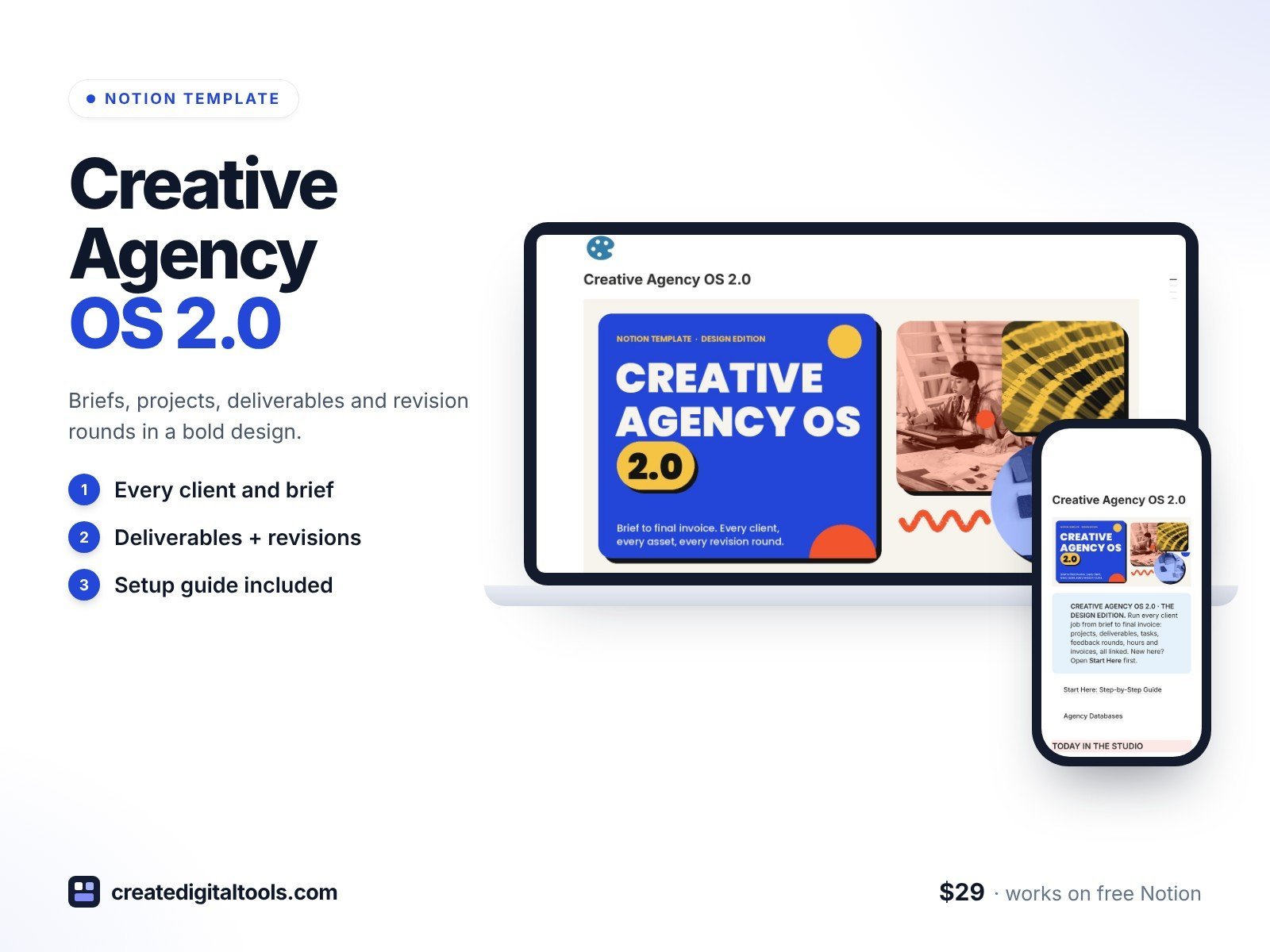
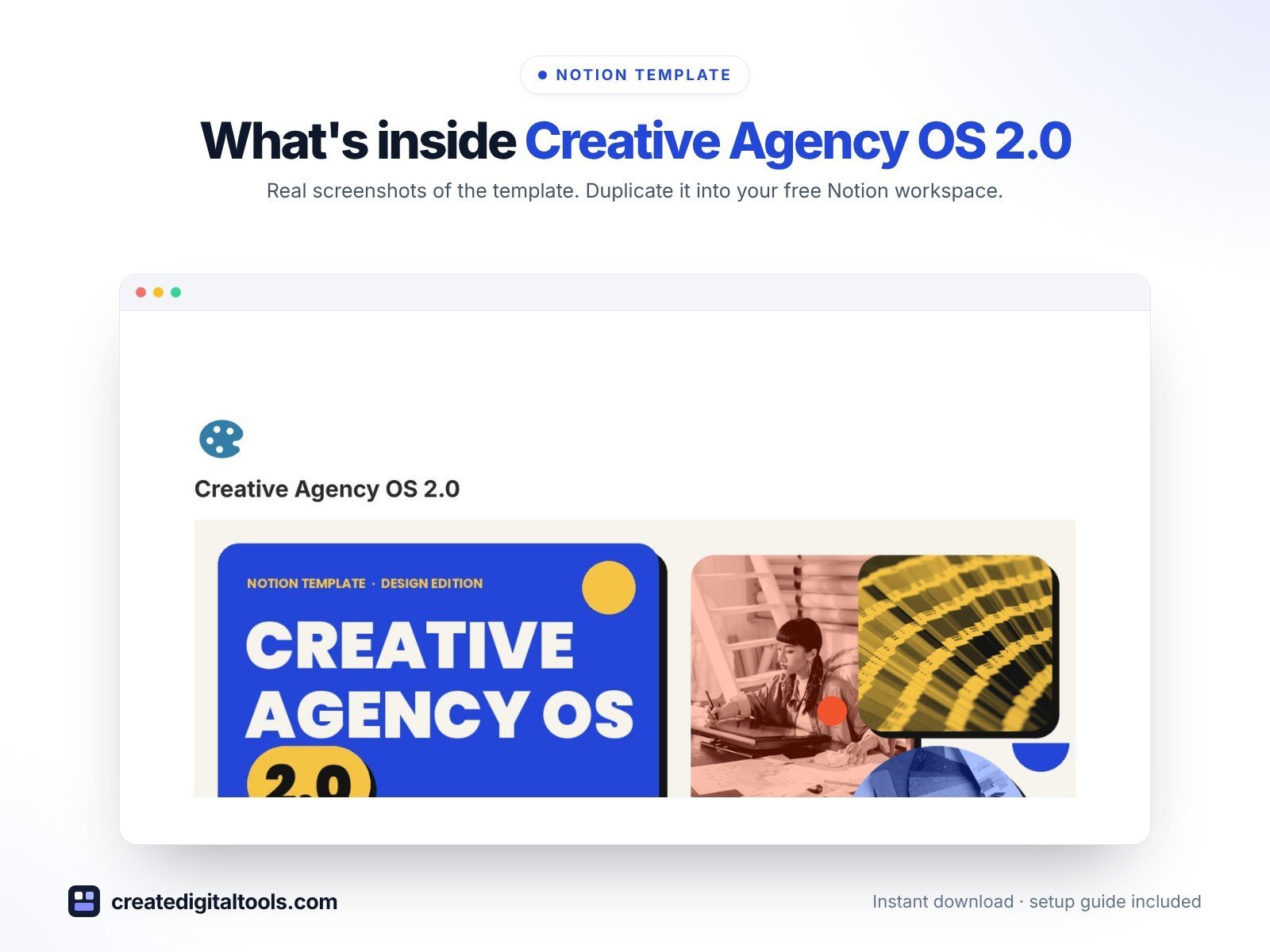
Creative Agency OS 2.0 is the 2.0 design edition of Creative Agency Project OS. It has the same features as the original edition, with a new bold, colourful design: cobalt, tomato and sunflower colour blocks, duotone studio photography, sticker shapes and chunky type.
Run every client job from brief to final invoice.
What’s inside
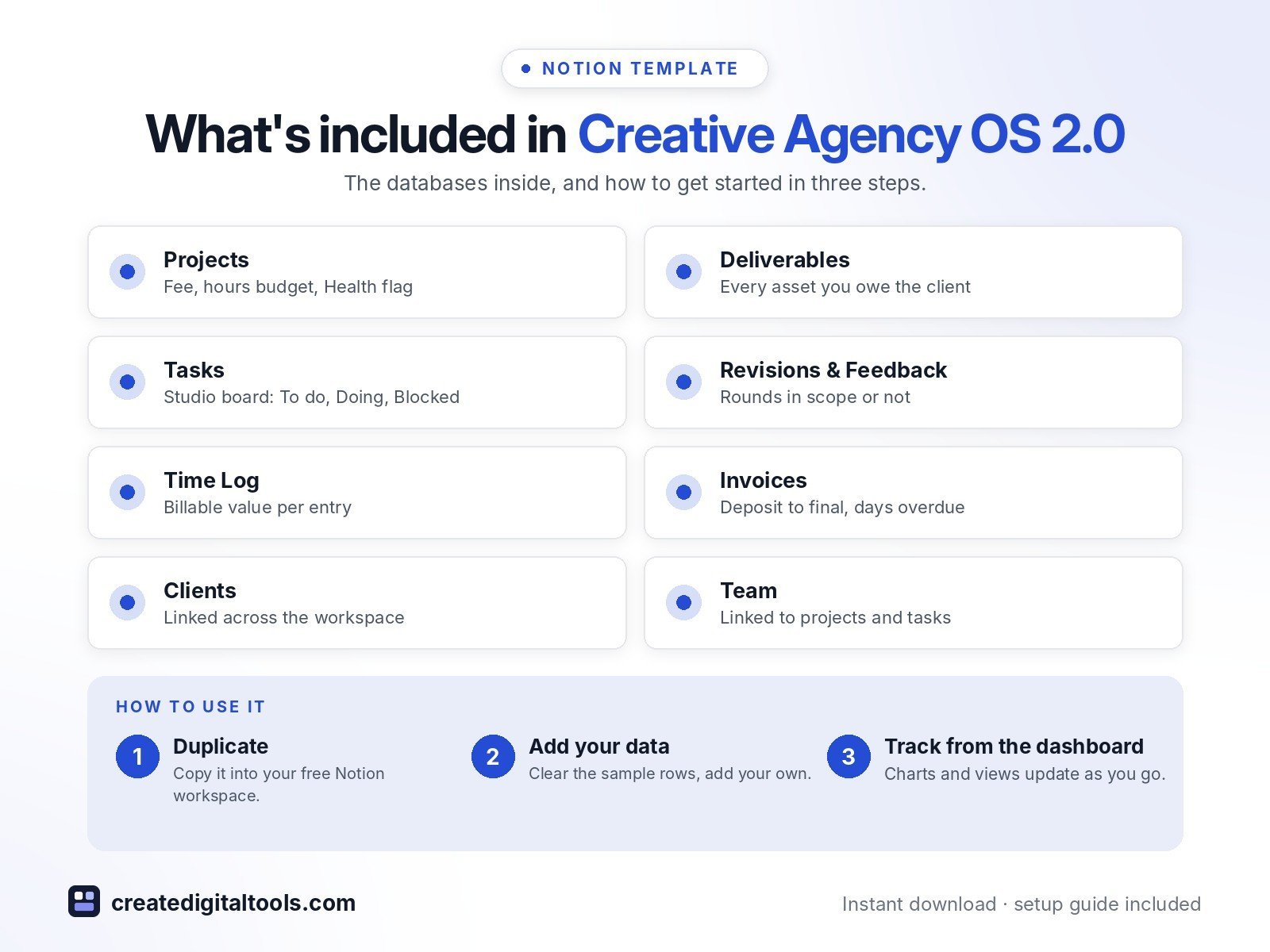
- Projects with fee, hours budget, rounds included and a Health flag when hours run over or a deadline passes
- Deliverables board showing every asset you owe the client, its owner, due date and rounds left
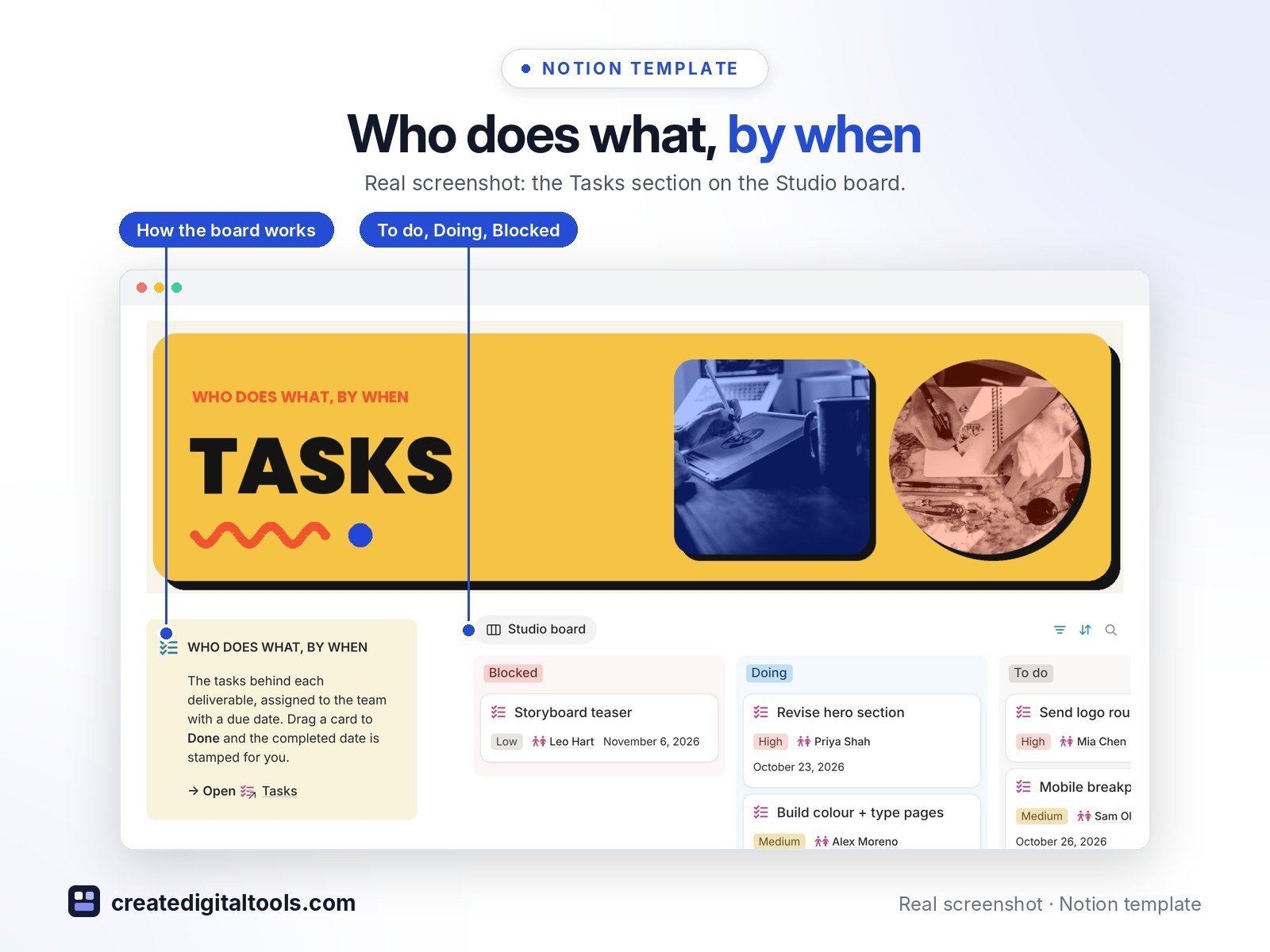
- Studio board for tasks: To do, Doing, Blocked, with the done date stamped automatically
- Feedback wall for revision rounds: in scope or not, received and sent dates
- Time Log with billable value per entry, rolled up into each project
- Invoices with deposit, milestone, final, retainer and extra-revision types, plus Days overdue
- Clients and Team databases linked across the workspace
- “Today in the studio” row: what’s due, waiting on client, unpaid
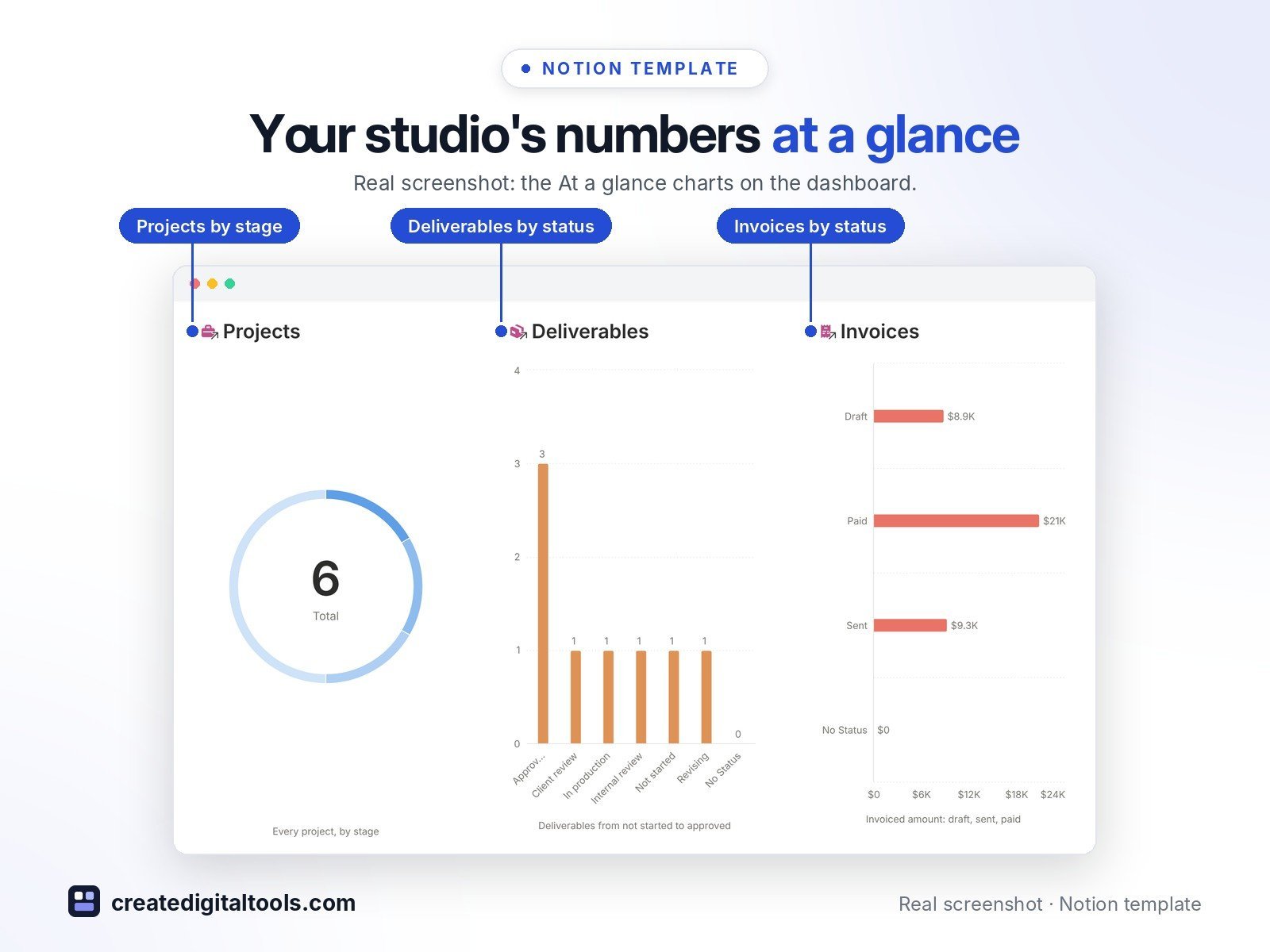
- At a glance charts in brand colours
- New look, same engine: the databases, formulas and sample data match the original edition
Who it’s for
- Design studios and creative agencies with a small team
- Freelance designers, writers and video editors who juggle several clients
What you get
- Template link (PDF download) to duplicate into your Notion workspace
- Setup Guide PDF with step-by-step instructions
- Start Here: Step-by-Step Guide page inside the template
- Video walkthrough (being added to this page soon)
Built-in automations
Built-in automations stamp the date when a task is Done, a round is Sent to client and an invoice is Paid. Database automations run on Notion’s paid plans (Plus and up); on the Free plan they pause and you can make the same changes by hand.
How delivery works
You get a PDF with the Duplicate link. Click Duplicate to copy the template into your free Notion workspace.
- Buy and download the PDF with your template link.
- Open the link and click Duplicate (log in to Notion first; the free plan works).
- Open the Start Here page and follow the setup steps.
Good to know
- Sample clients, projects and amounts are fictional.
- Digital product: nothing physical is shipped.
- You need a Notion account (the free plan works).
- Notion is a trademark of Notion Labs, Inc.; this is an independent template.
New to Notion? Create a free account (affiliate link: I may earn a commission at no extra cost to you).
Also available in the original edition: Creative Agency Project OS
Want your own store like this one? createdigitaltools.com runs on Hostinger WordPress hosting. Start your own shop with Hostinger, or try the no-code Hostinger Website Builder.
Affiliate links: I may earn a commission at no extra cost to you.