Notion Template for Social Media Managers and Agencies: Clients, Content and Approvals
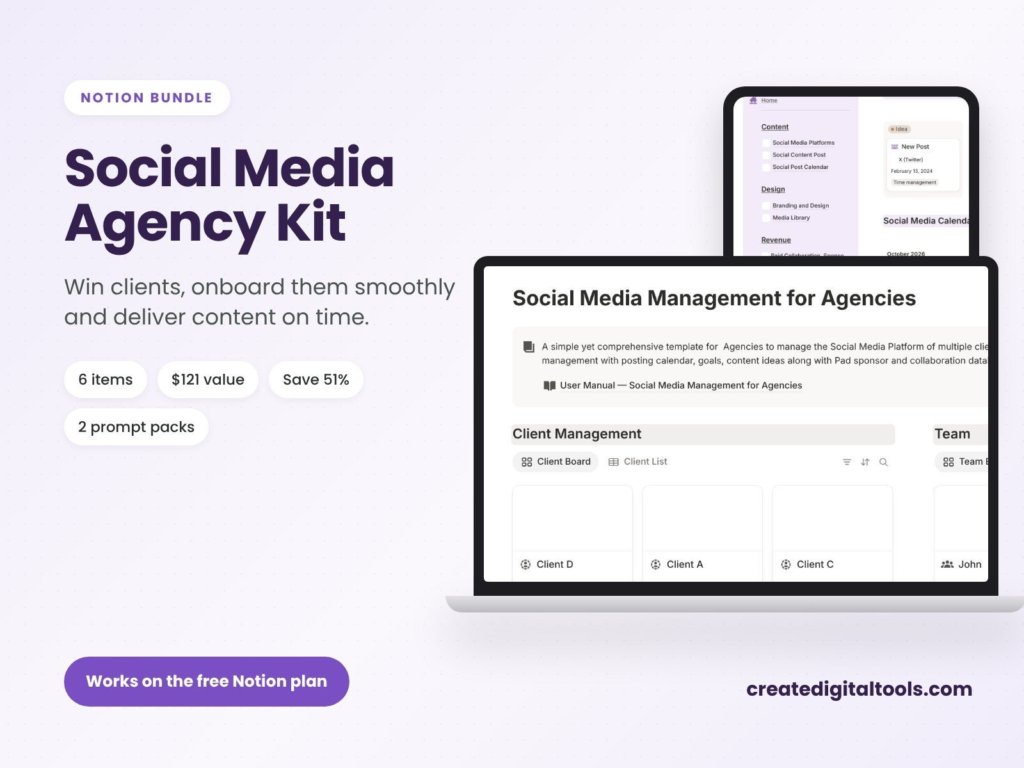
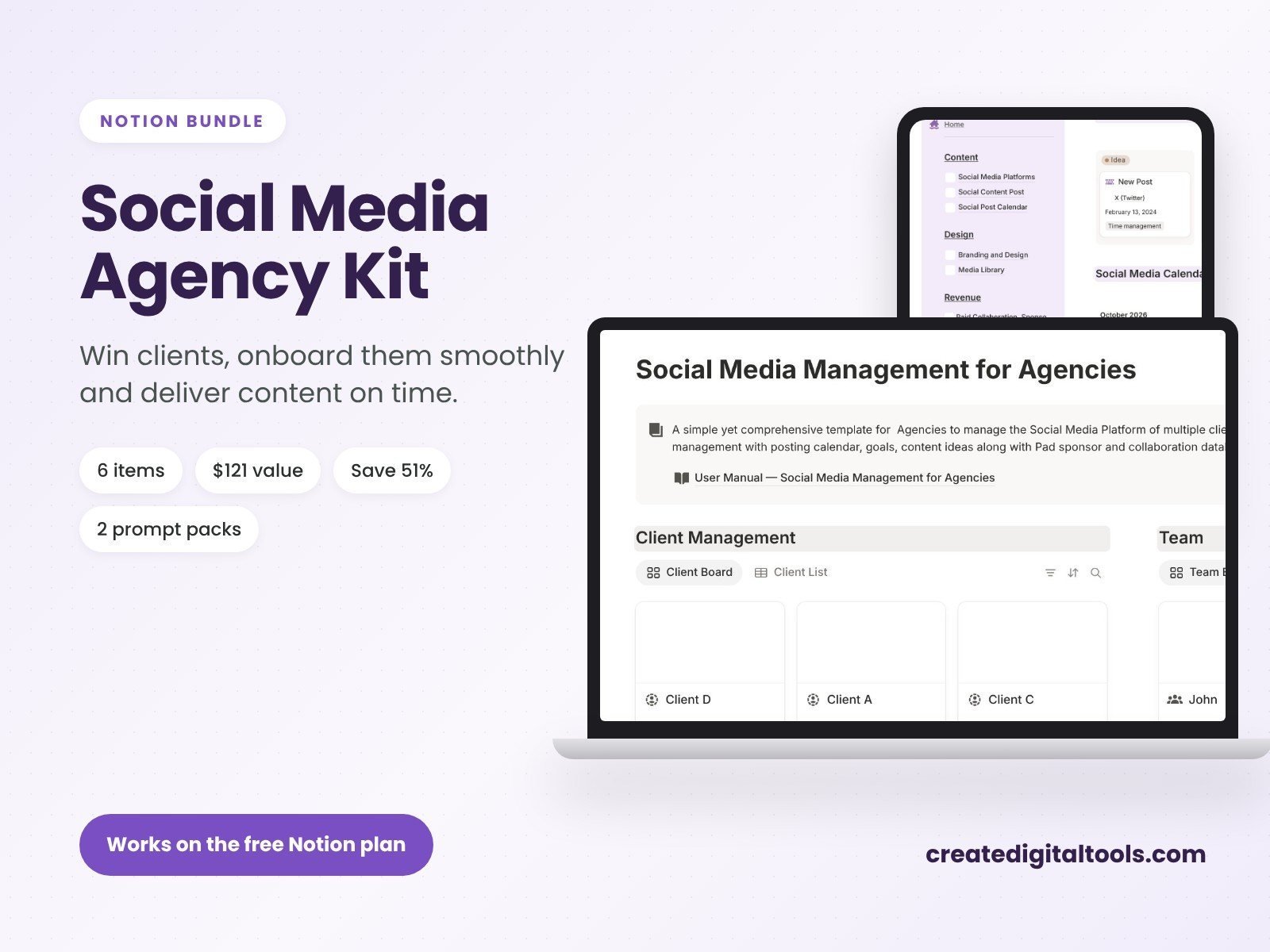
Short answer: social media managers who handle several clients need four things in Notion: a sales CRM to win clients, an onboarding workflow, a content calendar with approvals per client, and reporting. The Social Media Agency Kit ($59) from Create Digital Tools (formerly Notion Market Hub) bundles 6 Notion templates and prompt packs for this, a $121 value. It works on Notion’s free plan.
Skip the setup: Social Media Agency Kit gives you this workflow ready to duplicate, with a step-by-step guide. Also popular with readers: Social Media Management for Agencies.
Where social media work breaks down
It is rarely the content. It is the admin around it: chasing approvals over WhatsApp, losing a client’s brand guidelines, forgetting which posts went live, and spending Sunday nights building reports. Once you have three or more clients, you need one system that every client’s work runs through.
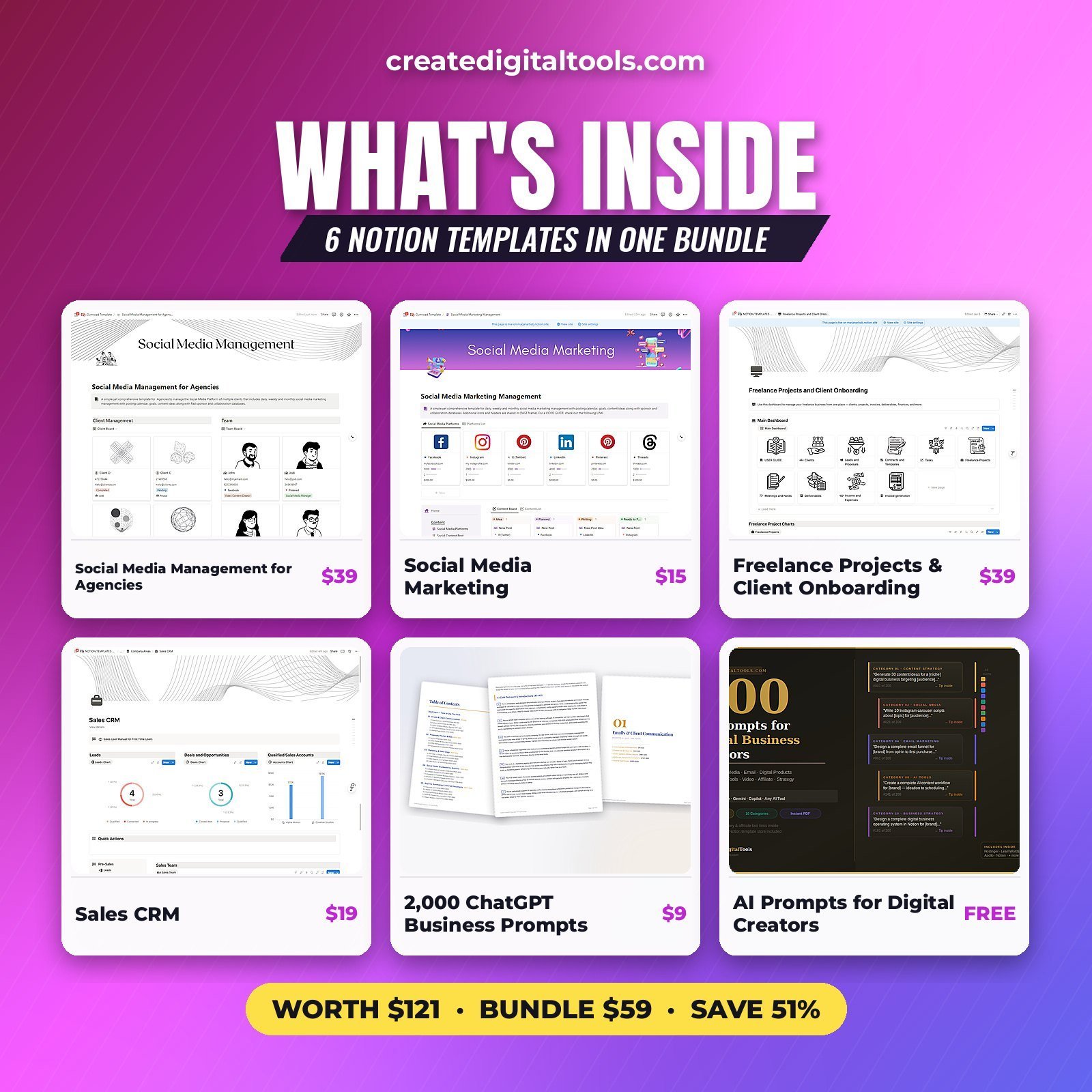
What’s in the kit
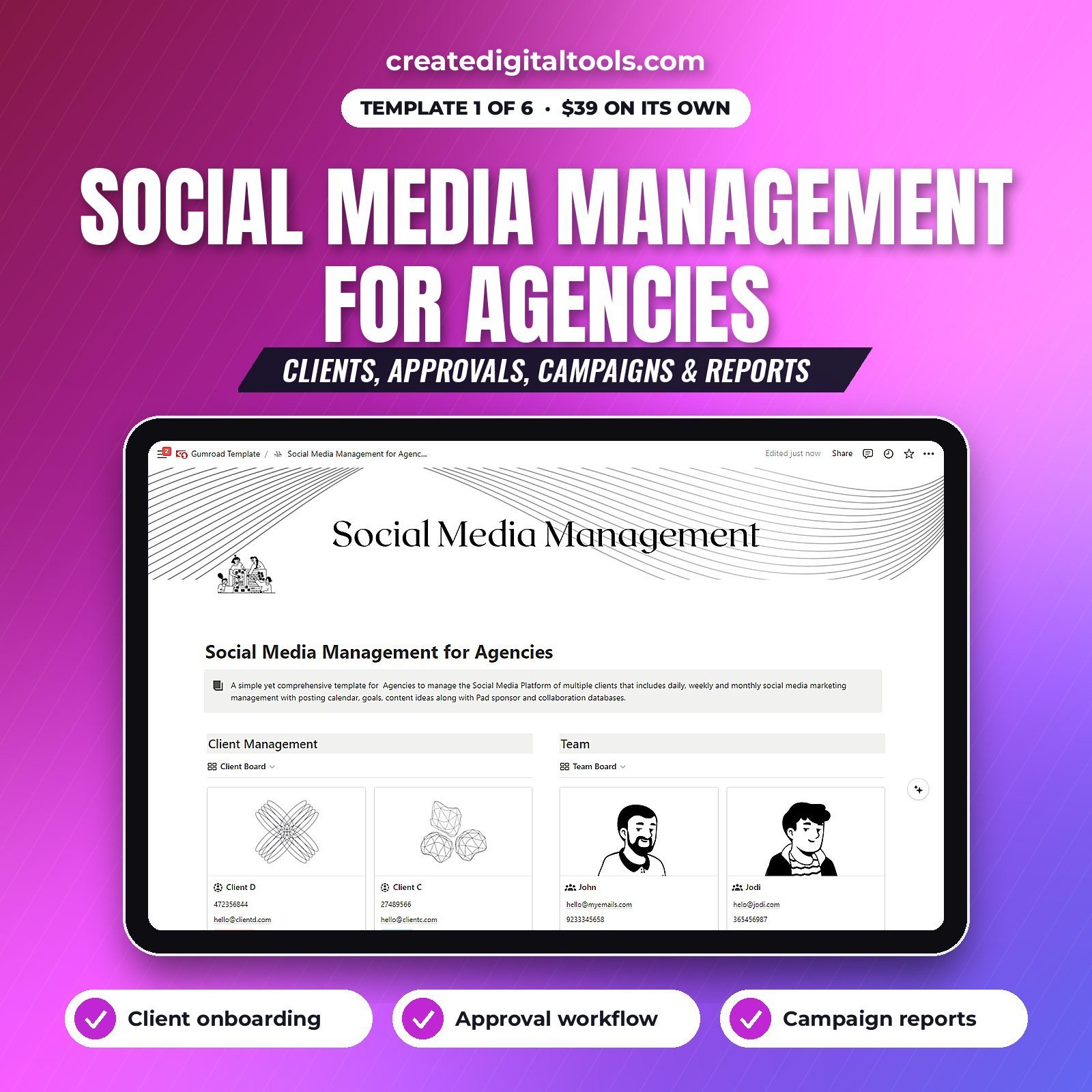
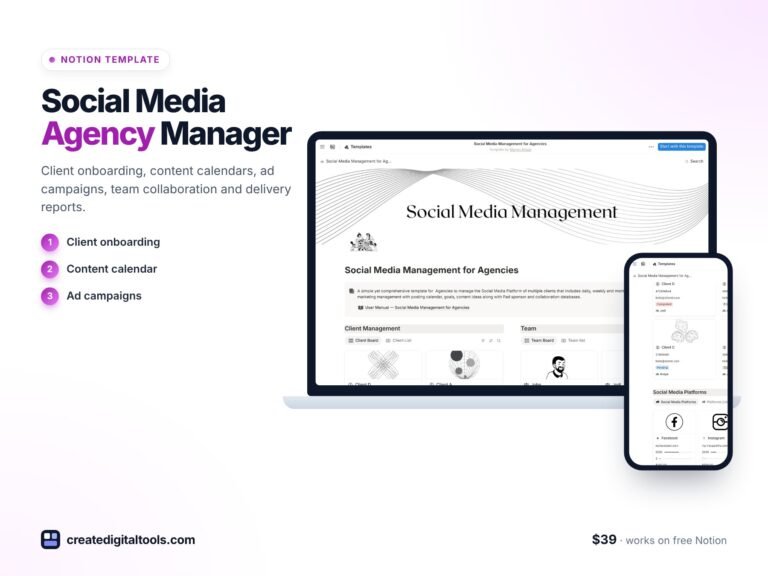
Social Media Management for Agencies
Every client’s social media in one workspace: clients, content per client, approvals and reports. Read the full guide to Social Media Management for Agencies.
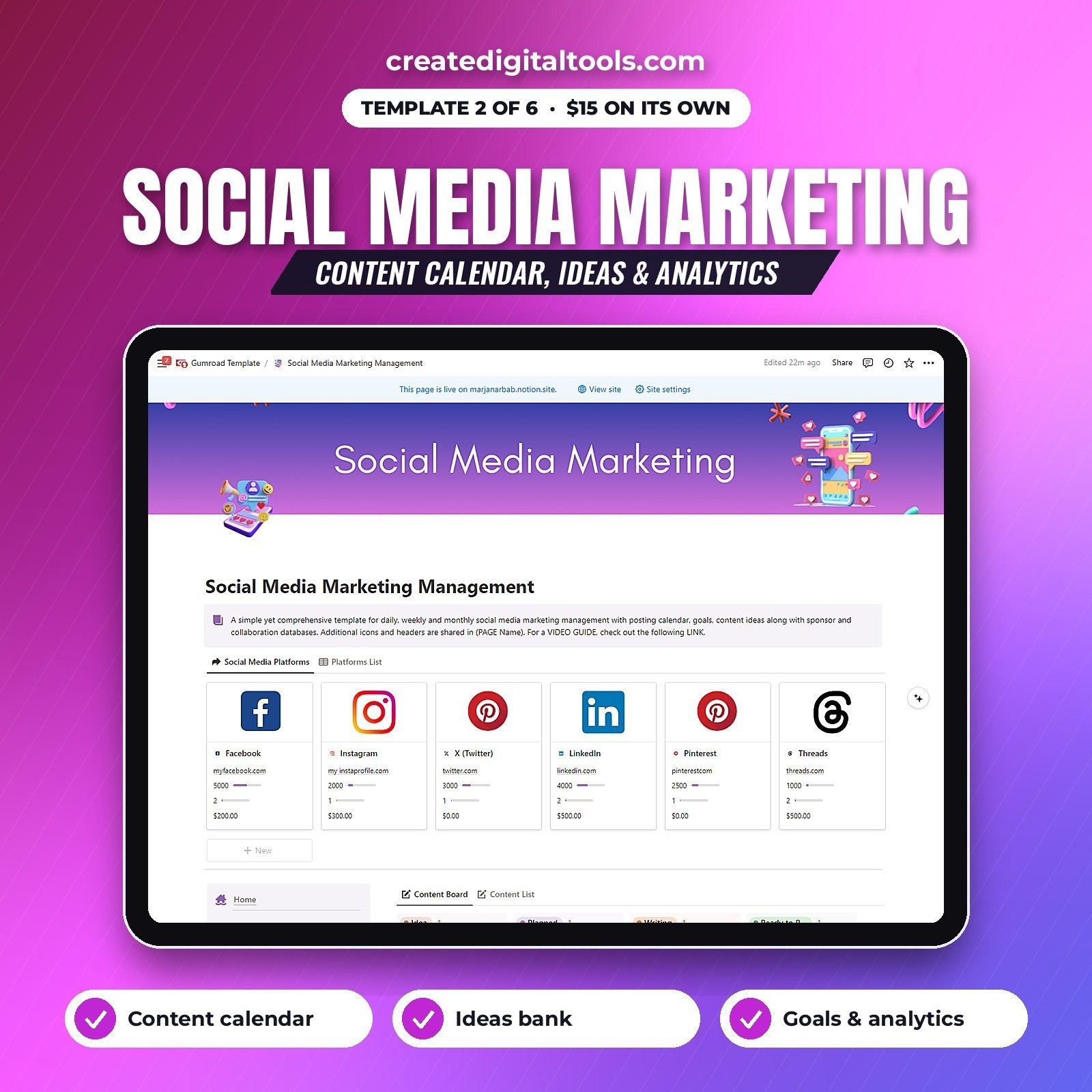
Social Media Marketing
A content calendar, an ideas bank and analytics, for your own brand or a single client.
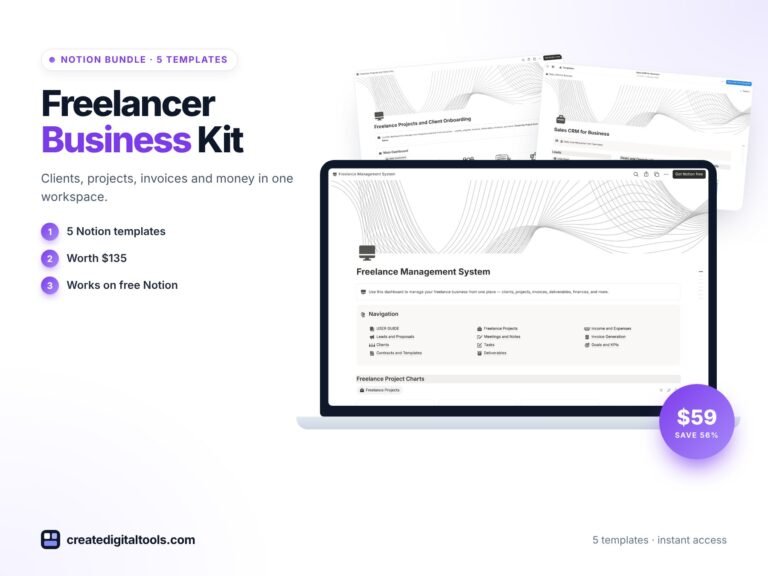
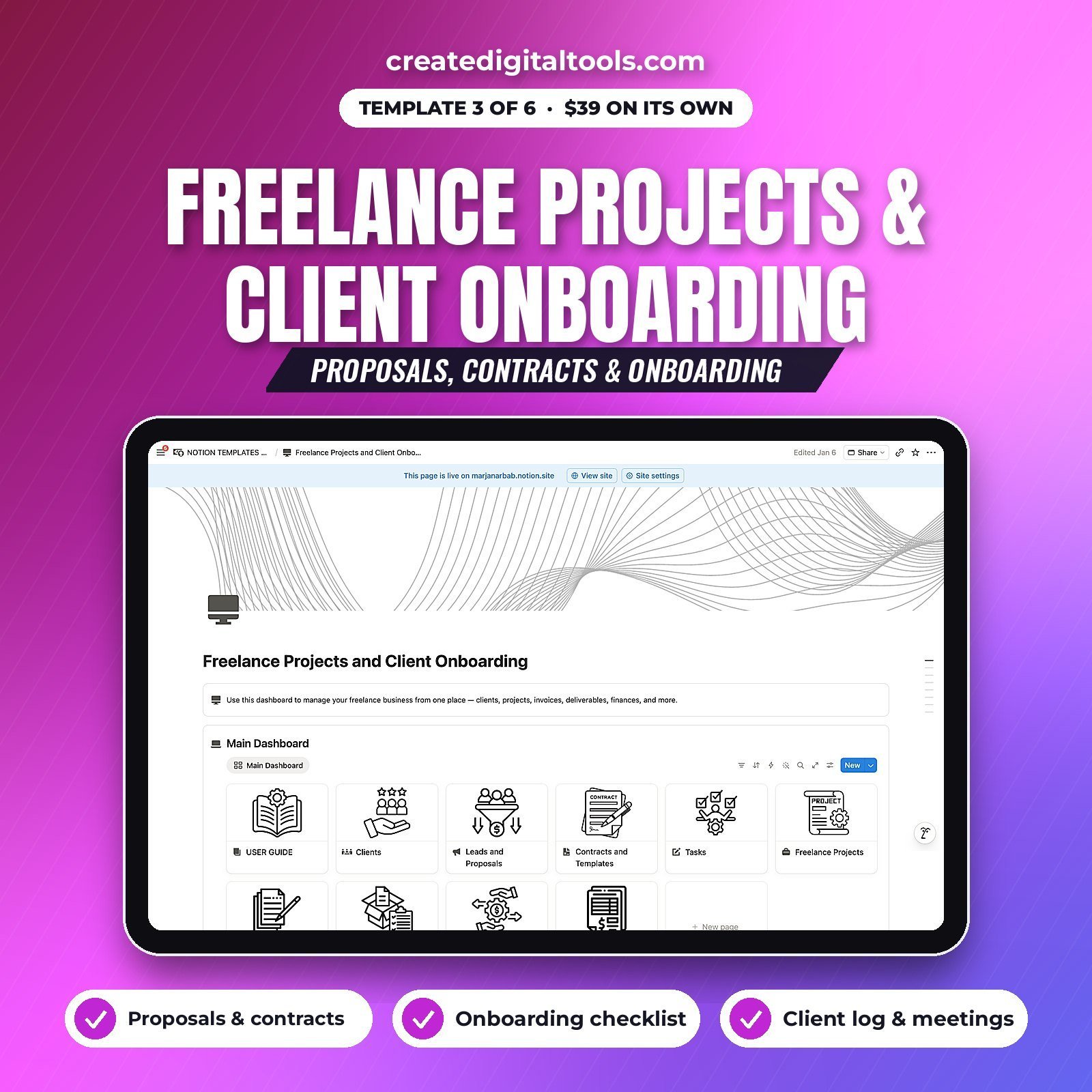
Freelance Projects and Client Onboarding
Proposals, contracts and an onboarding checklist, so every new client starts the same professional way: logins requested, brand assets collected, goals agreed.
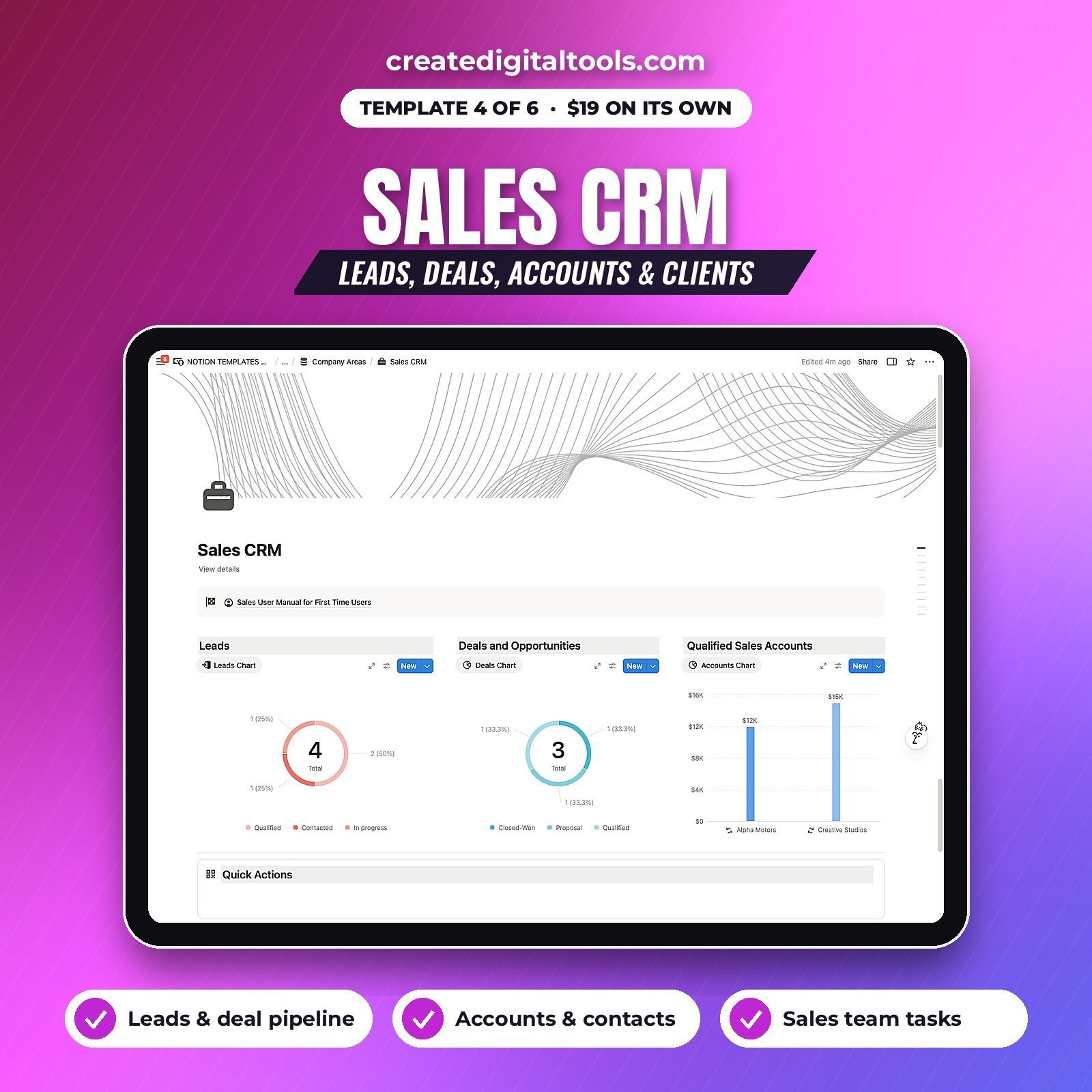
Sales CRM
Leads, deals, accounts and clients, so prospects from DMs, referrals and discovery calls do not slip away.
Prompt packs
The kit also includes AI prompt packs to speed up captions, content ideas and client communication. See the product page for the full list of all 6 items.
 Social Media Management for Agencies Notion template$39.00 →
A client workflow that scales
- Lead: log the enquiry in the Sales CRM and book a discovery call.
- Proposal and contract: send from Freelance Projects and Client Onboarding.
- Onboarding: run the checklist and store the brand guide, logins owner, tone of voice and goals on the client’s page.
- Monthly plan: draft the calendar per client in Social Media Management for Agencies.
- Approval: share the client’s approval view. They comment or approve in Notion, not over WhatsApp.
- Schedule and publish in your scheduling tool, then mark posts Published.
- Report: log results and share a monthly summary page.
Tips for approvals that do not drag
- Agree an approval deadline in the contract, for example 48 hours, and state what happens after it.
- Batch approvals weekly instead of sending posts one by one.
- Keep each post’s caption, visual and link on a single Notion page.
- Record approval status and date for every post, so there are no arguments later.
 Best value: Notion Mega Bundle$99.00 →
Who it is for
- Freelance social media managers with 2 to 10 clients.
- Small social media and content agencies.
- Virtual assistants who offer social media services.
- In-house marketers managing several brands.
Related templates
- Marketing Agency OS ($19).
- Creator Studio OS 2027 ($19).
- Content Planner 2027 spreadsheet.
- Virtual Assistant Studio OS ($19). Read the VA guide.
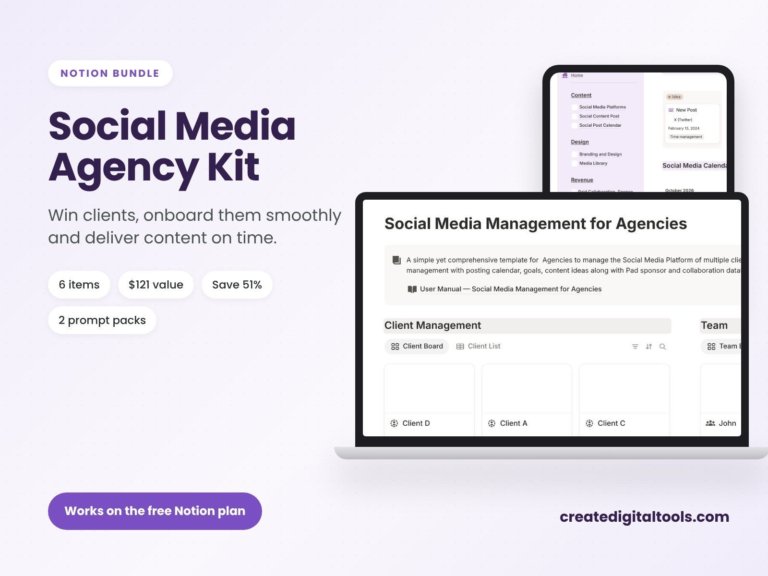
Social Media Agency Kit: 6 Notion Templates for Social Media Agencies
6 Notion templates and prompt packs for social media managers and agencies, a $121 value for $59 (save 51%). Win…
Frequently asked questions
Is Notion good for social media management?
Notion is excellent for planning, approvals, client admin and reporting. It does not publish posts, so pair it with a scheduler such as Buffer, Later or Meta Business Suite.
Can clients approve posts in Notion?
Yes. Share a filtered page or view with the client, and they can comment or change the approval status.
Does it work on the free Notion plan?
Yes. Guests you share pages with do not need a paid plan.
Notion is a trademark of Notion Labs, Inc.; these are independent templates.
Notion systems, spreadsheets and planners with a setup guide. Instant download.