Marketing Agency Notion Template: Clients to Invoices
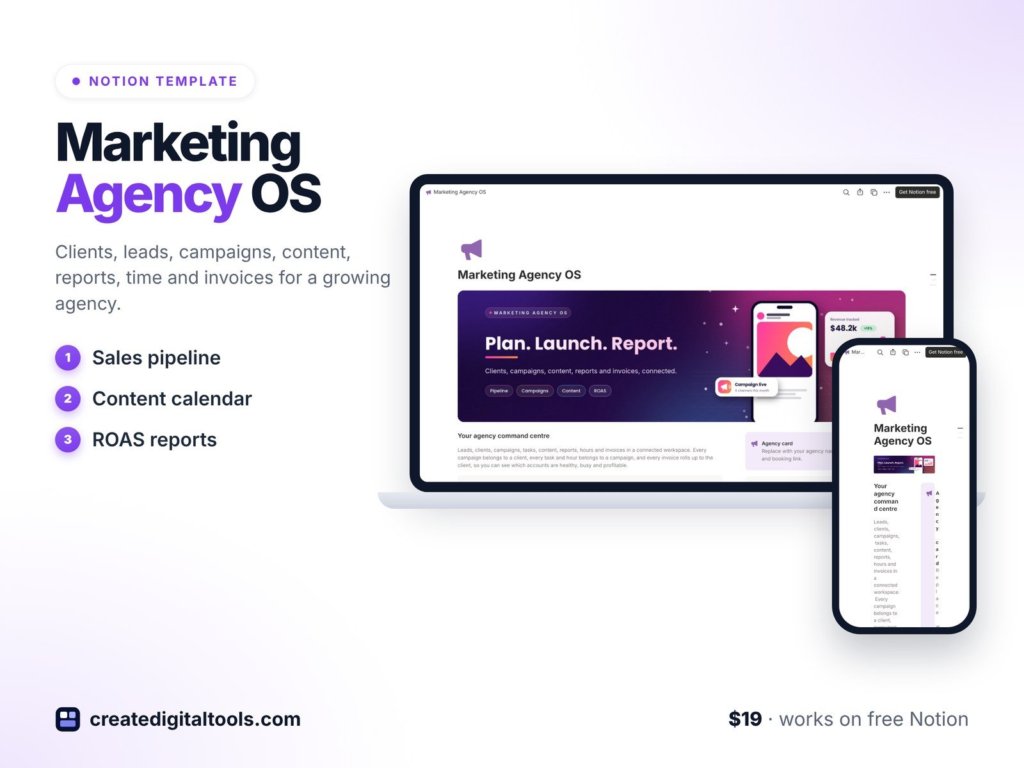
Picture a small marketing agency with six retainer clients, two freelancers and a founder who still answers most client emails. On Monday morning the campaign brief is in a doc, the content calendar is in a spreadsheet, the hours are in a timer app, and the unpaid invoices live in someone’s head. Nothing is lost, exactly, but everything takes three clicks too many. This is the gap a marketing agency Notion template is meant to close: clients, campaigns, content, reports, time and invoices kept in linked databases you can see from the same workspace.
This guide walks through how to set up that kind of agency workspace yourself, step by step, and then shows what is inside the Marketing Agency OS template from Create Digital Tools if you would rather start from a finished build.
Why agency work gets scattered
Agencies run on many small moving parts. A single campaign touches a client, a brief, a set of posts and emails, an approval step, a report, time spent and an invoice. When each of those lives in a different tool, three problems show up again and again:
- Nobody sees the whole account. The account manager knows the campaign status, the founder knows the retainer, and the bookkeeper knows the invoice, but no screen shows all three together.
- Renewals and overdue work slip. A renewal date in a contract PDF does not remind anyone. A task with a due date in a chat thread is easy to miss.
- Reporting is rebuilt every month. Return on ad spend, cost per lead and click-through rate get recalculated by hand in a fresh spreadsheet each time.
Generic project tools help with tasks, but they rarely know what a retainer, a weighted lead or a content approval is. That is why many agency owners end up building their own setup in Notion, where databases can be linked to each other.
How to set up a marketing agency workspace in Notion
You can build a solid version of this yourself. Here is a structure that works for most small agencies.
1. Start with clients as the hub
Create a Clients database first. Give it properties for account health (a select such as Good, Watch, At risk), monthly retainer (a number), renewal date (a date) and an owner (a person). Every other database will link back here, so a client page becomes the place to see everything about that account.
2. Add leads with a probability
Create a Leads database with a stage, an estimated value and a probability percentage. Add a formula that multiplies value by probability. Sorting by that weighted value gives you a more honest view of the pipeline than a list of names.
3. Link campaigns, tasks and content
Make a Campaigns database related to Clients, then a Tasks database and a Content Calendar database, both related to Campaigns. Put a status on content items (Idea, Drafting, In review, Approved, Published) and show them as a board so approvals are visible at a glance. A calendar view on the publish date gives you the content schedule.
4. Calculate reports from raw numbers
In a Performance Reports database, enter spend, revenue, leads, clicks and impressions as plain numbers. Then add formulas: revenue divided by spend for return on ad spend, spend divided by leads for cost per lead, and clicks divided by impressions for click-through rate. Entering numbers once and letting formulas do the rest keeps reports consistent month to month.
5. Track time and invoices next to the work
A Time Log database related to Clients lets you roll up hours per account. An Invoices database grouped by status, with unpaid invoices sorted first, keeps cash flow in view.
6. Write down how you work
Finally, keep an SOP Library: onboarding steps, reporting steps, and a short weekly routine. A Monday planning checklist and a Friday wrap-up checklist are a simple place to start.
If you build this from scratch, expect to spend time on relations, rollups and views. That is the part the template below does for you.
Inside Marketing Agency OS, a marketing agency Notion template
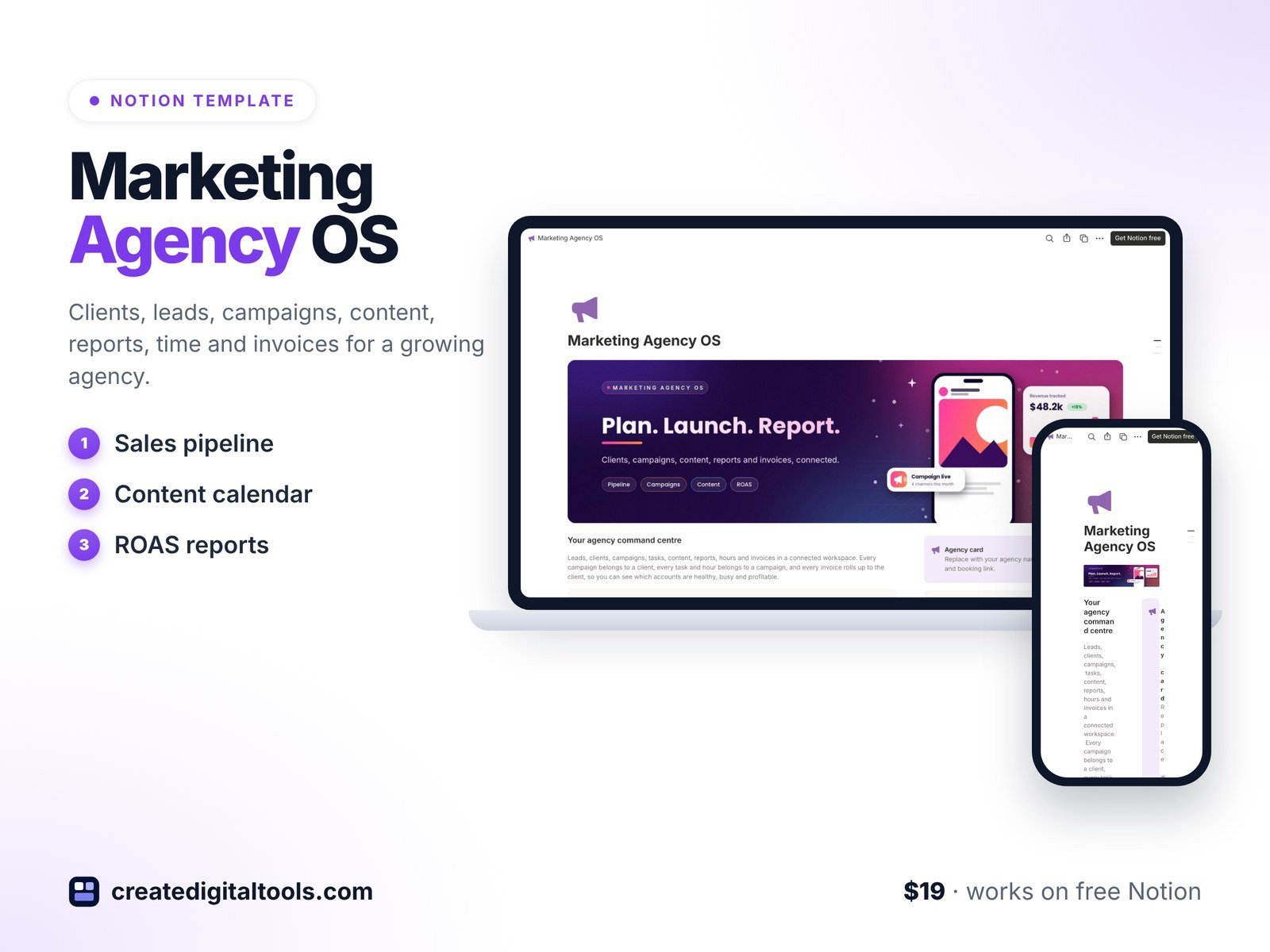
Marketing Agency OS is a Notion template with 10 linked databases that come with fictional sample data, so you can see how everything connects before you add your own clients. It works on the free Notion plan and on desktop, web and mobile.
The ten databases
The template includes Clients, Leads, Campaigns, Tasks, Content Calendar, Performance Reports, Time Log, Invoices, Team and SOP Library. They are linked, so a client connects to its campaigns, tasks, reports, hours and invoices.
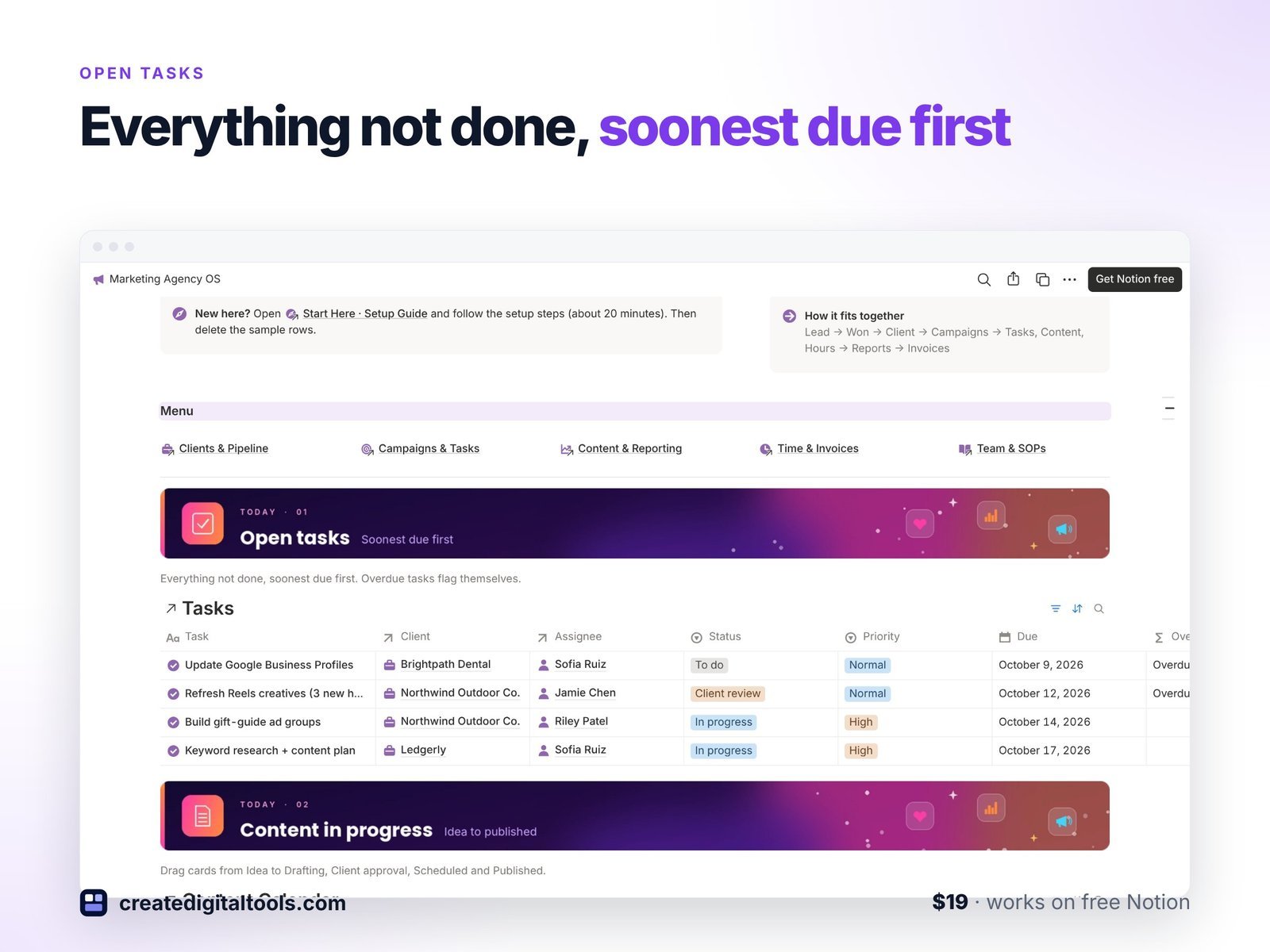
Daily view of open tasks
Open tasks are sorted by due date, and overdue work is flagged automatically. This is the view to open first thing in the morning.
Content approval board and calendar
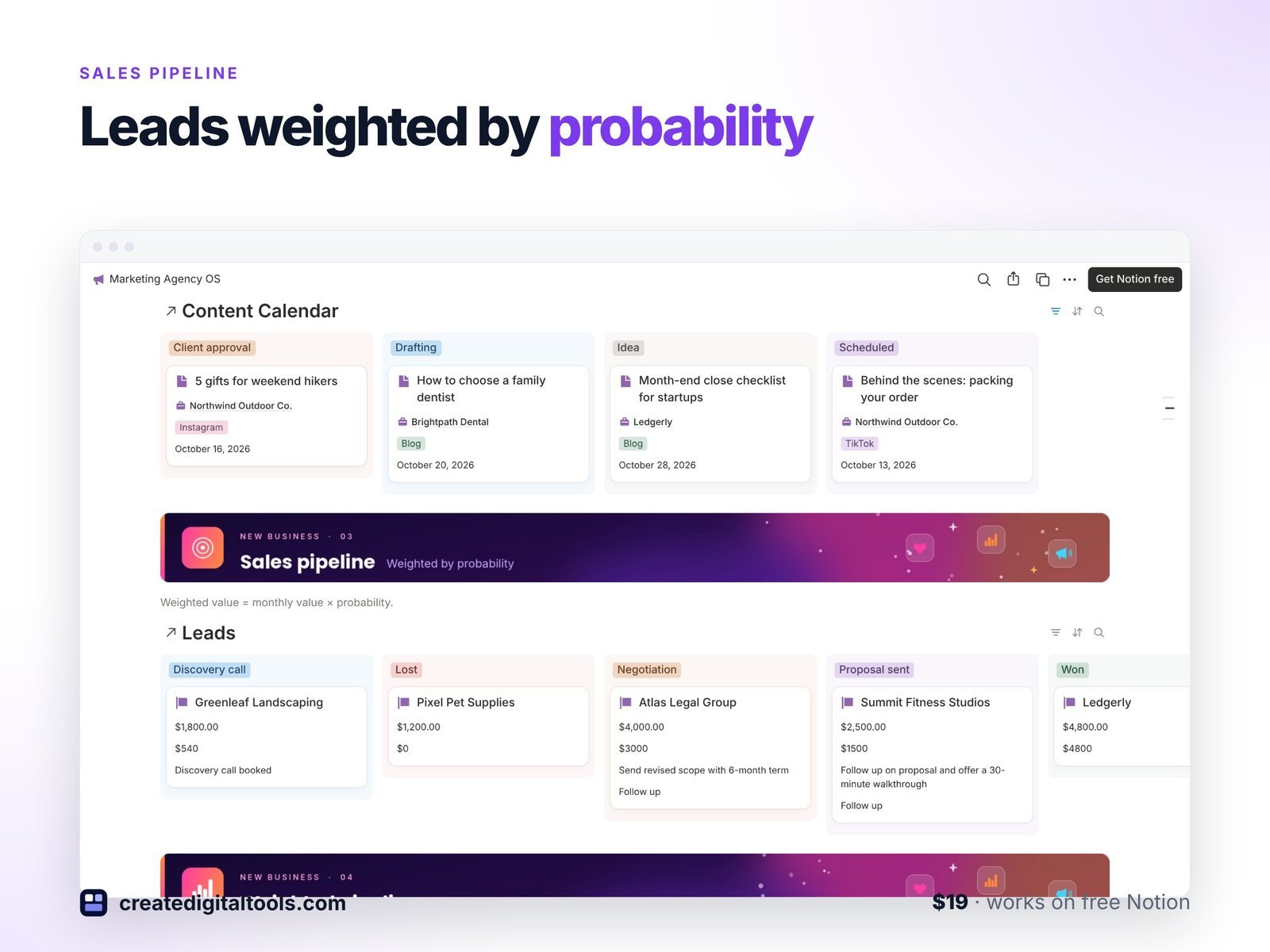
Content in progress sits on an approval board. The campaign timeline places posts, emails and videos on a publishing calendar, so you can see what goes out and when.
Sales pipeline and client roster
Leads are weighted by probability in the sales pipeline. The client roster shows account health, retainer and renewal date for every client.
Performance reports with built-in formulas
Enter your numbers and the reports calculate return on ad spend, cost per lead and click-through rate for you.
Invoices and hours
Invoices are grouped by status with unpaid ones listed first, and hours are shown by client from the Time Log.
SOP Library, page templates and setup guide
The SOP Library includes a Monday and a Friday routine. New rows open with default page templates and icons, and a Start Here guide walks you through setup. The sample data is fictional and meant to be deleted once you are ready.
What you receive
You get a PDF with the template link and access instructions, plus a walkthrough video. Open the link and duplicate the template into your own Notion workspace.
See Marketing Agency OS in action
Here is a short walkthrough of the clients, campaigns and reports views:
Who it is for (and who it is not for)
A good fit if you are:
- A small marketing, social media or content agency that wants clients, campaigns and invoices linked in Notion.
- A freelance marketer with several retainer clients who wants reporting formulas ready to use.
- An agency owner who wants written SOPs and a weekly routine in the same workspace as the work.
Probably not the right fit if you:
- Need accounting software that files taxes or connects to your bank. This template organises invoices; it does not replace bookkeeping software.
- Want automatic data pulled from ad platforms. Report numbers are entered by you.
- Do not use Notion and prefer not to.
If you also take on consulting projects, the Consulting Studio OS follows a similar structure for advisory work. You can browse more options in our Notion templates collection.
FAQ
Do I need a paid Notion plan?
No. The product page states that Marketing Agency OS works on the free Notion plan.
How do I receive the template?
After purchase you get a PDF with the template link and access instructions. Open the link and duplicate it into your Notion workspace.
Can I use it on my phone?
Yes. It works on Notion desktop, web and mobile. Setting up views and properties is easier on a computer.
Can I change the databases and properties?
Yes. Once it is duplicated into your workspace it is yours to edit, rename, add properties or remove views. Delete the sample data when you are ready.
Does it connect to Google Ads or Meta?
No. The Performance Reports database calculates metrics from numbers you enter yourself.
Notion is a trademark of Notion Labs, Inc. This is an independent template, not affiliated with or endorsed by Notion. Google Ads and Meta are trademarks of their respective owners and are mentioned descriptively only.
Notion systems, spreadsheets and planners with a setup guide. Instant download.